|
Image Manager Styles |
 Where to find it:
 Main Window / Edit / Preferences / Misc / UI Style
Mari 7.5 introduces the concept of "Image Groups" to the Image Manage r. Extension Pack adds a custom skin for groups with better readability and more features
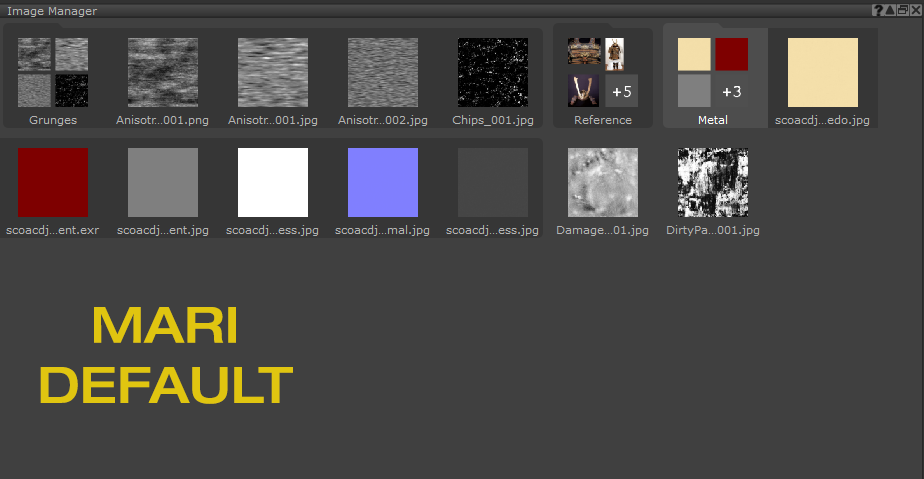
 To use an alternative Image Manager skinning, change it via the Mari Preferences / Misc Tab / UI Style section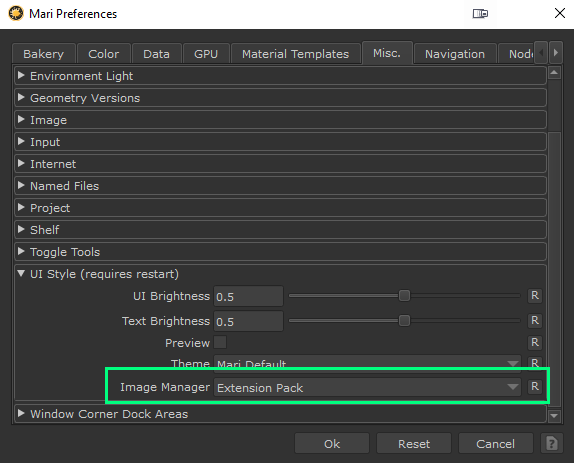
You can set a custom Group Thumbnail as well as modify the Group Color Code via the Right Mouse Click Menu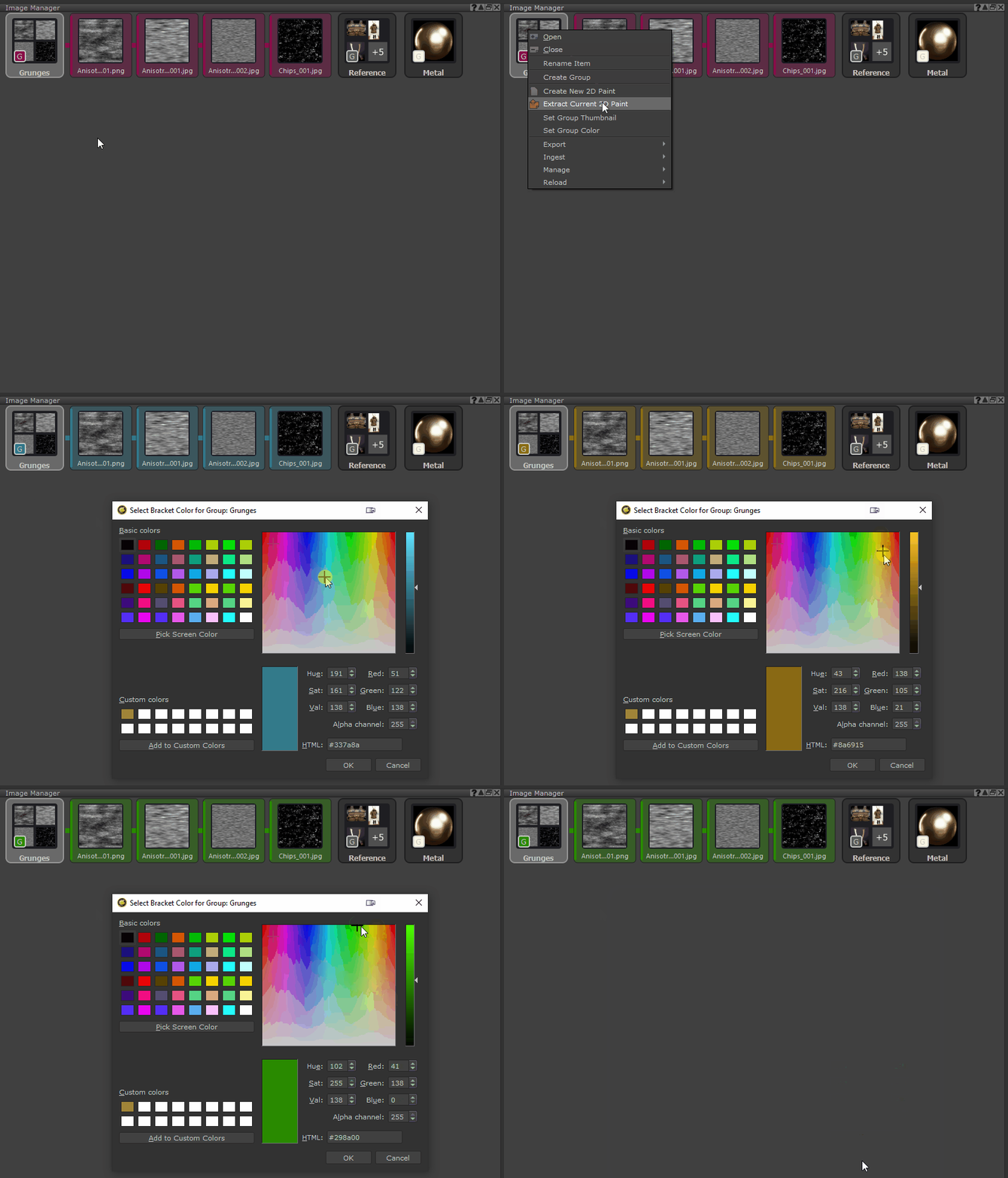
You can set any group Image as a Thumbnail via the Right Mouse Click / Ingest / Set as Group Thumbnail Action
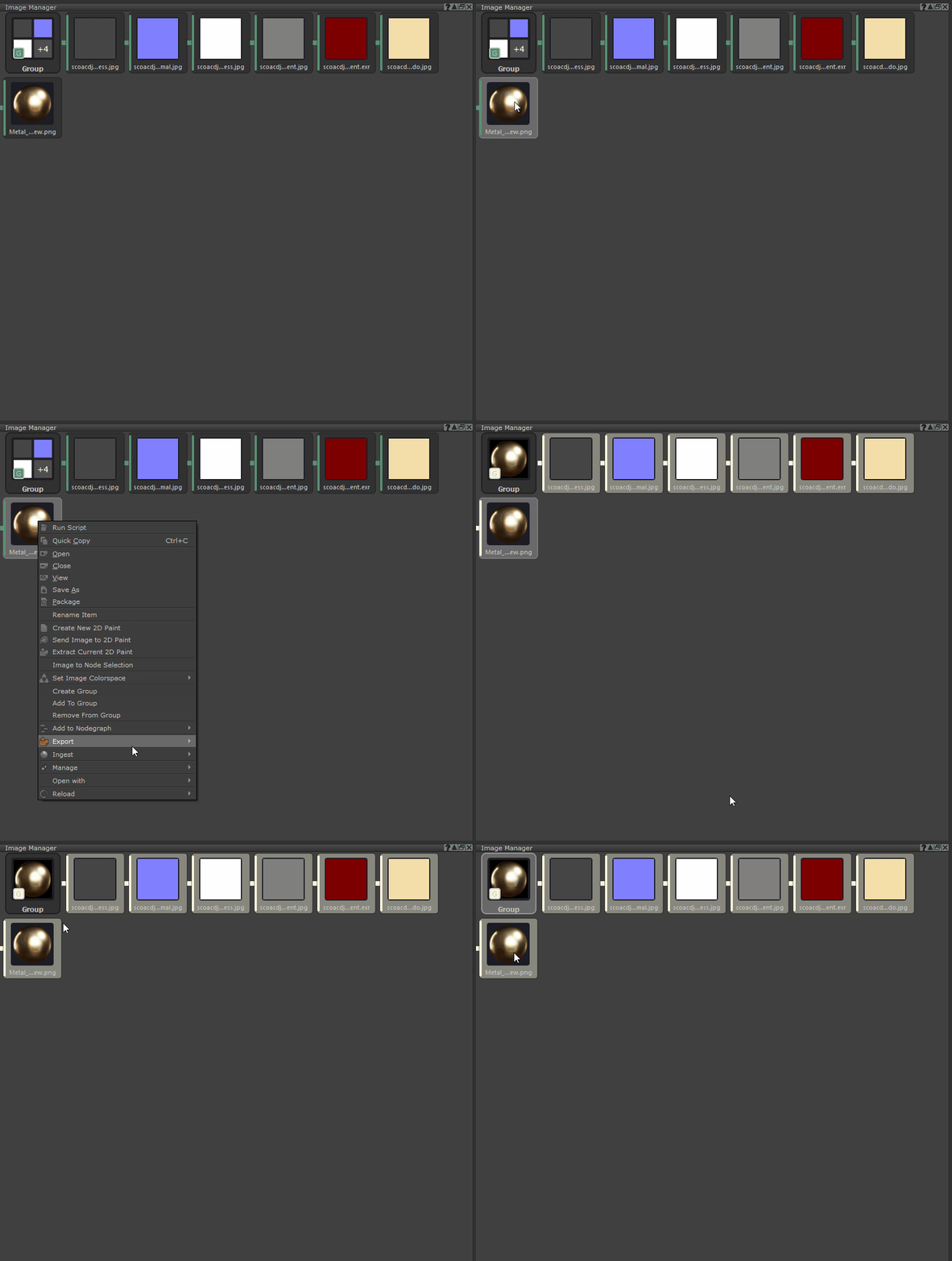
If you drag a folder from a filebrowser into the Image Manager, Mari will auto create an Image Group. If the folder contains a preview or thumbnail image, Extension Pack now will auto set that image as the group thumbnail
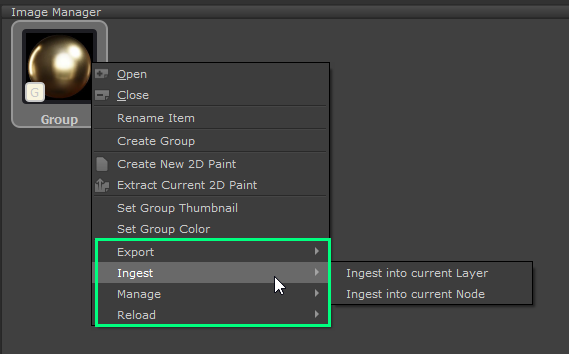
Various Extension Pack Features are available on the right mouse click menu on Image Groups and will run on the contents of the group if launched this way