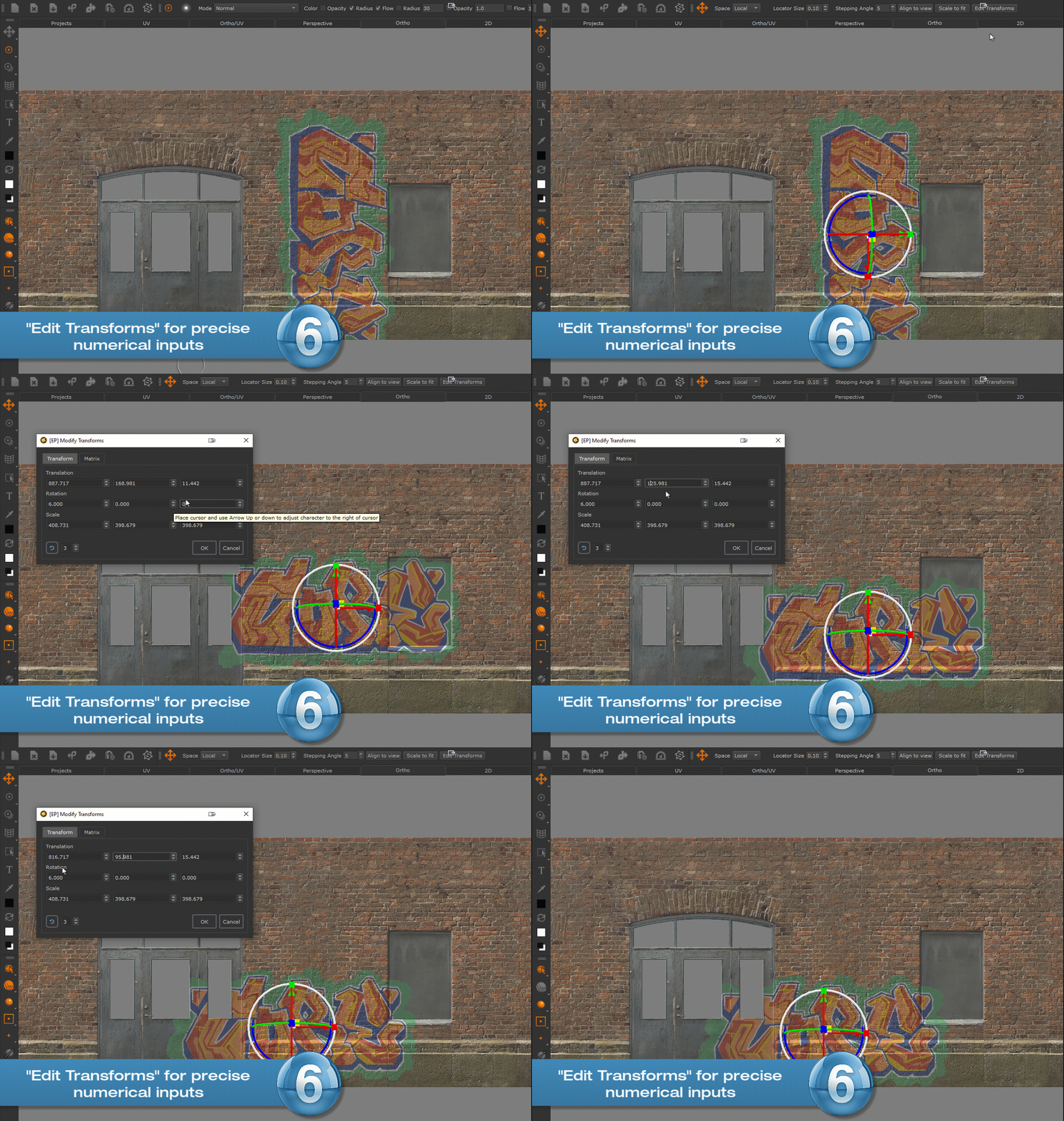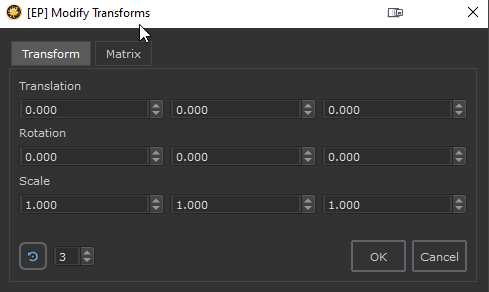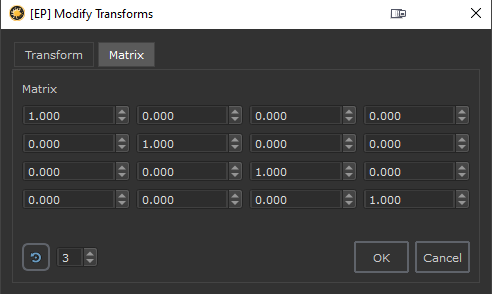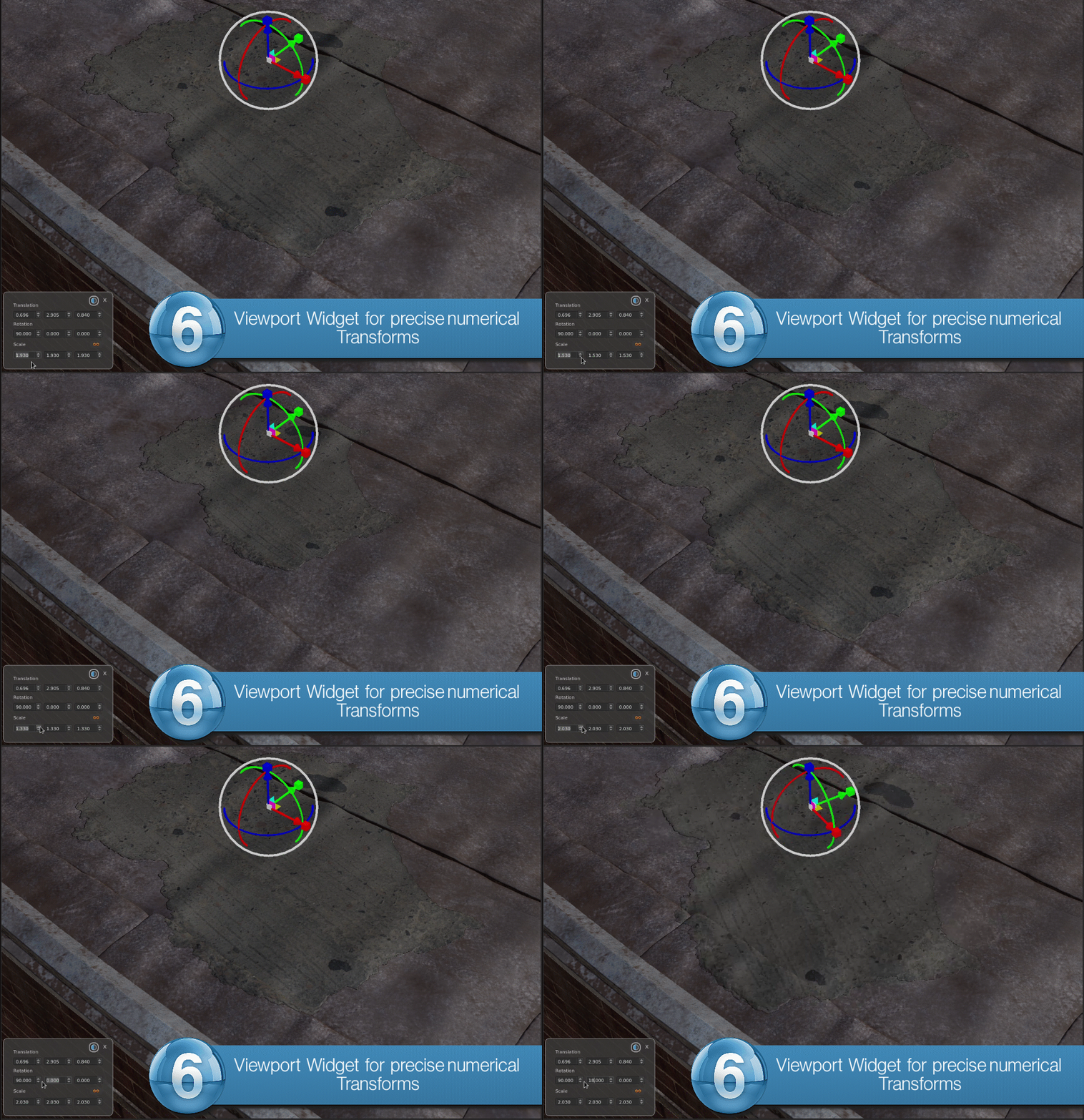
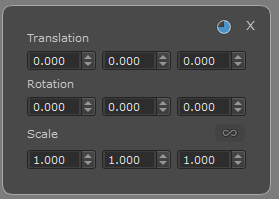
When you enter the "Transform Selection Object" Tool via the Tools Toolbar Button or by pressing SHIFT+T, a WIdget will appear in the lower left corner of the viewport,
allowing you to enter numerical transforms
•Scale Lock
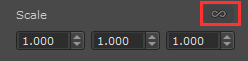
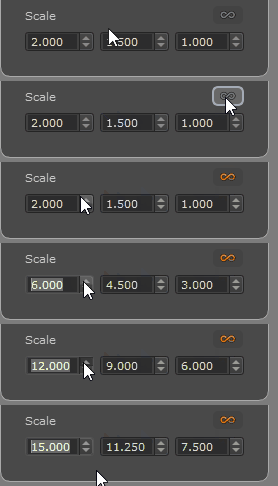
Toggling the "Scale Lock" Button on, will maintain the aspect Ratio between the X, Y and Z Scale Values if you modify one of them.
The aspect ratio is recorded at the time the Scale Lock Button is toggled on, so not all values need to be identical.
A set of values of 1,2,4 when modifying the first one would result for example in 2,4,8
•Increments
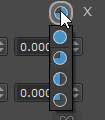
The increments setting determines how fine or coarse values change when using the arrow up/down buttons next to a value.
Available increments are 10.0 (filled circle), 1.0, 0.1 and 0.01
•Resetting Values
oCTRL + Middle Click on a value field will reset the field to its default value
oALT + Middle Click on a value field will reset the entire row of values (e.g. all translations, all rotations or all scales)

 Where to find it:
 'Transform Selected Object' Tool / Tool Properties Toolbar
 Shortcut: SHIFT + T