
|
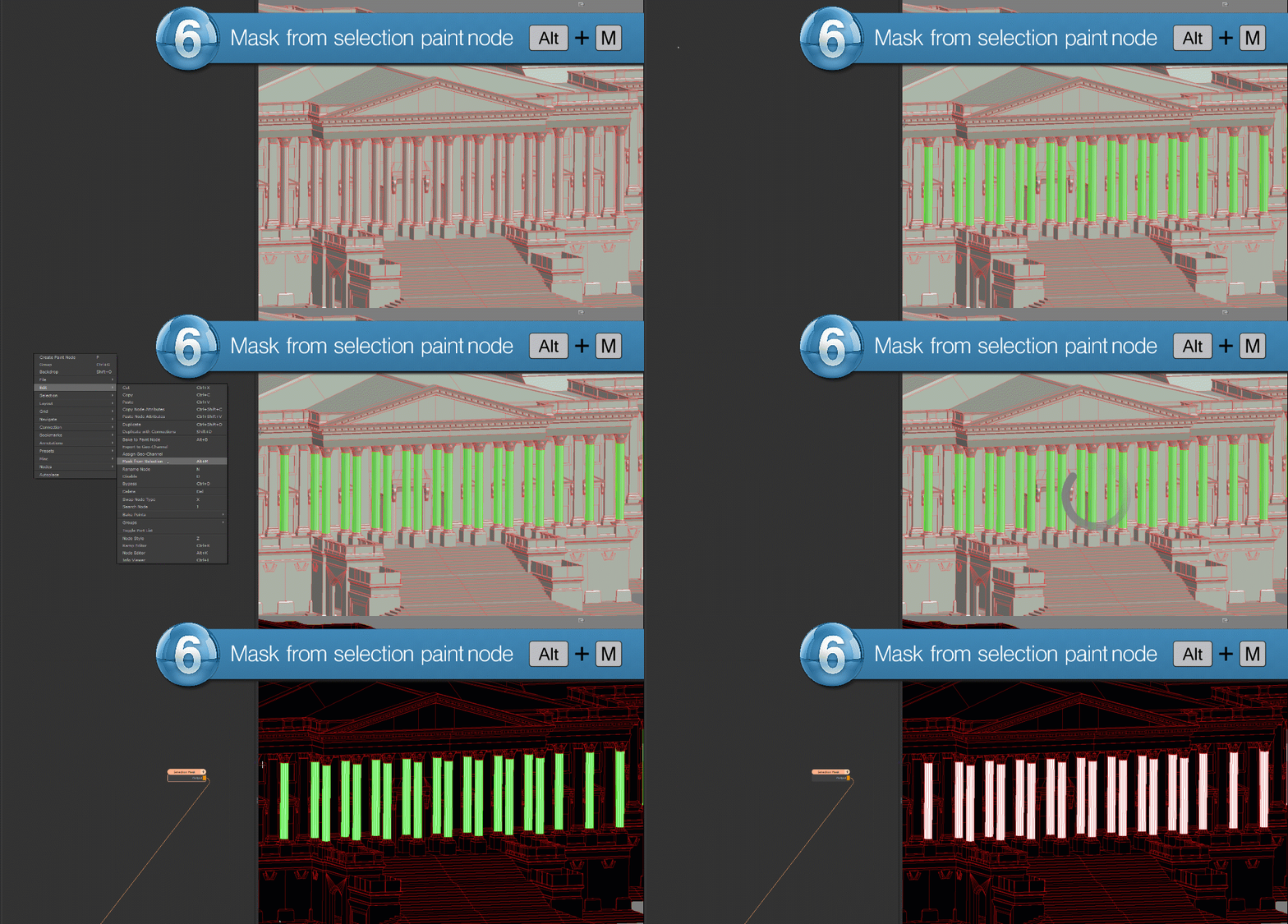
Mask from Selection |
 Where to find them:

 NodeGraph / Right Mouse Click / Edit /
Main Window / Extension Pack / Nodegraph / Edit
Shortcut (Nodegraph Only): ALT+M
Mask from Selection will generate a black and white mask from you current object, udim or face selection.
|
|
|