|
Multi Channel Node Optimizer |
 Where to find them:

 NodeGraph / Right Mouse Click / Misc / Optimize
Main Window / Extension Pack / Nodegraph / Misc / Optimize
Shortcut (Nodegraph Only - requires shader node selection): CTRL+ALT+SHIFT+O
Shortcut (Nodegraph Only - requires shader node selection): CTRL+SPACE
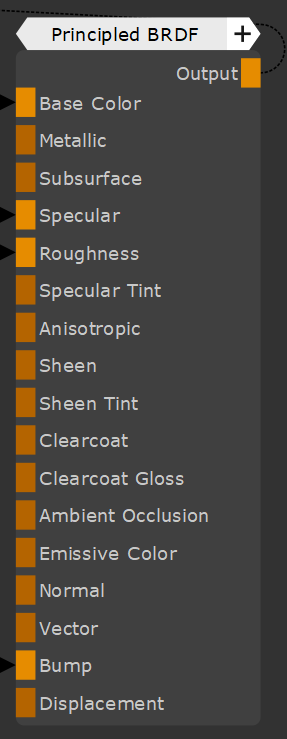
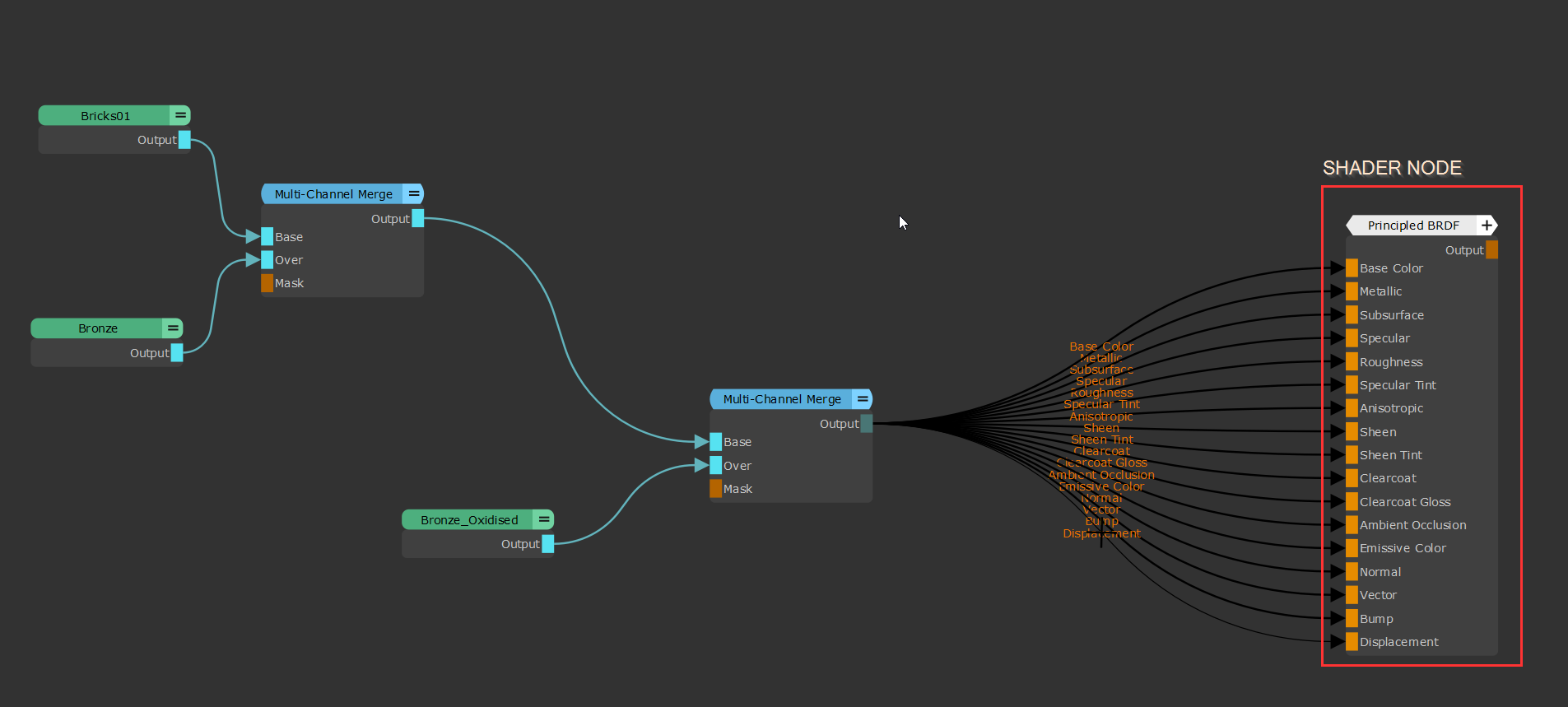
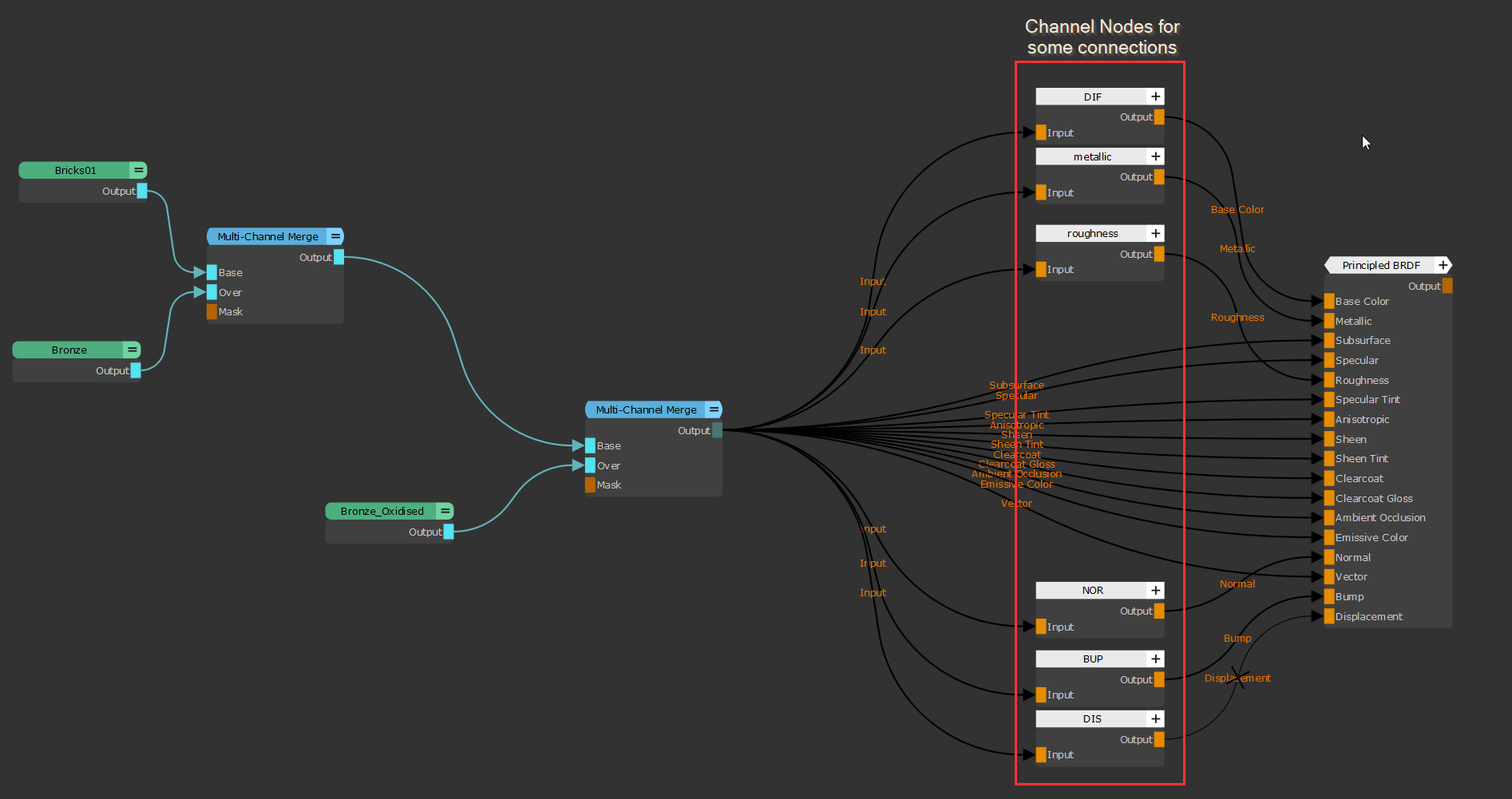
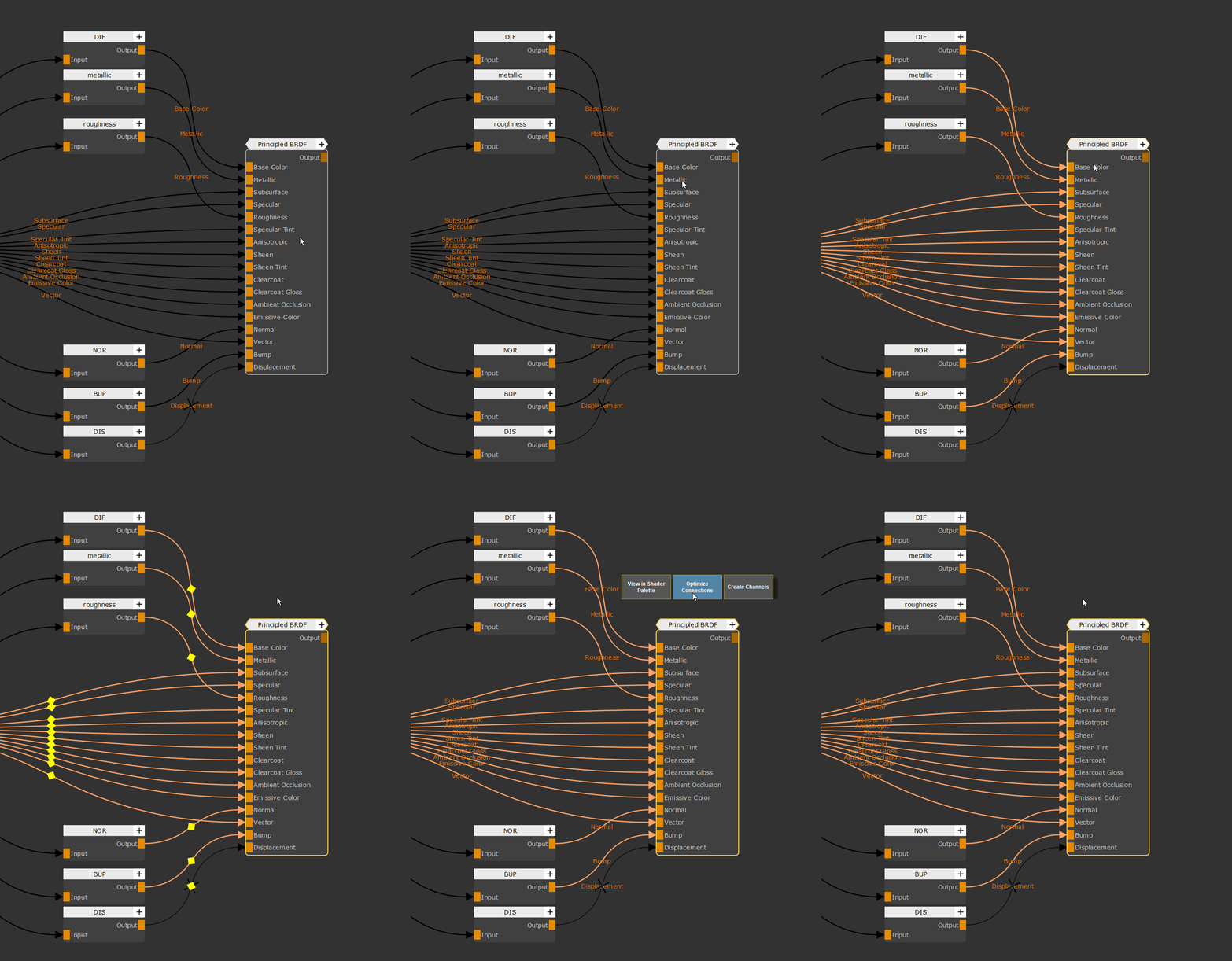
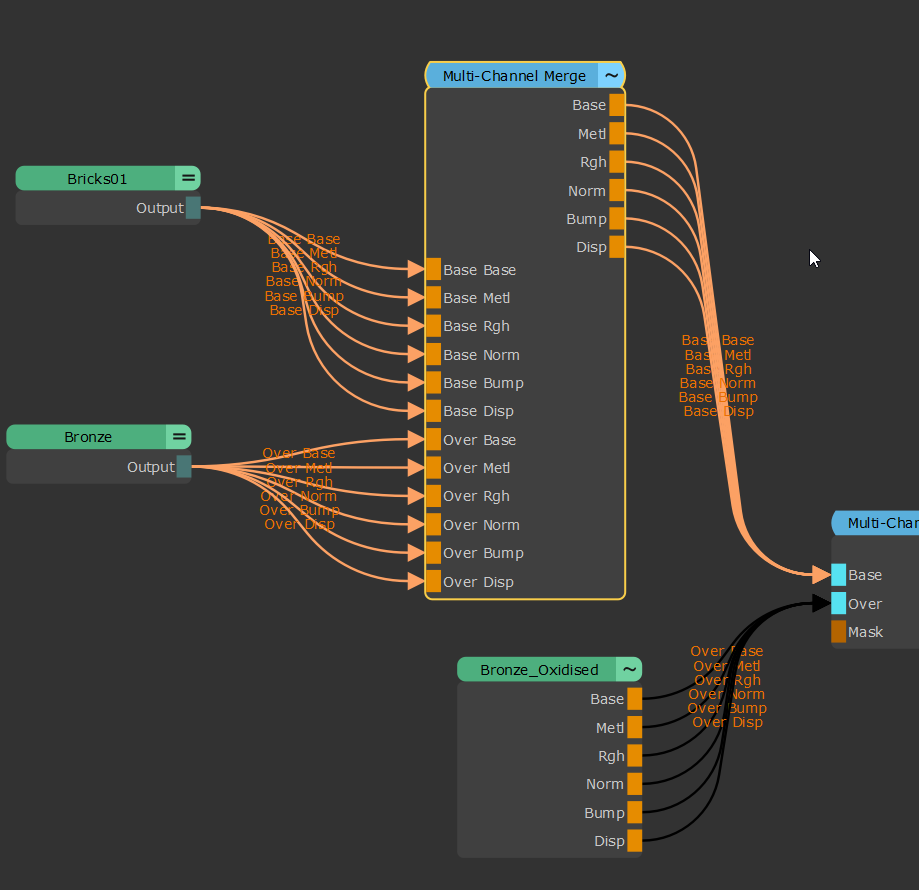
The Multi Channel Node Optimizer improves your Viewport Performance by removing connections from Multi Channel Nodes (Materials, Multi Channel Merge Nodes and Bake Points) that are not in use on the connected shader. What is in use is determined by the presence of channel nodes.
Running a Multi Channel Node Optimizer can improve Viewport Performance on nodegraphs with many nodes and materials.