Mari allows for many ways to prevent paint from being accidentally applied to protected areas. Users can lock channels, objects, selection groups and more.
Unfortunately this can lead to situations where parts of a mesh do not accept projected paint without it being obvious to the user why.
Extension Pack adds a Warning Notification to the Viewport if you are trying to project on an object that has parts of it locked.
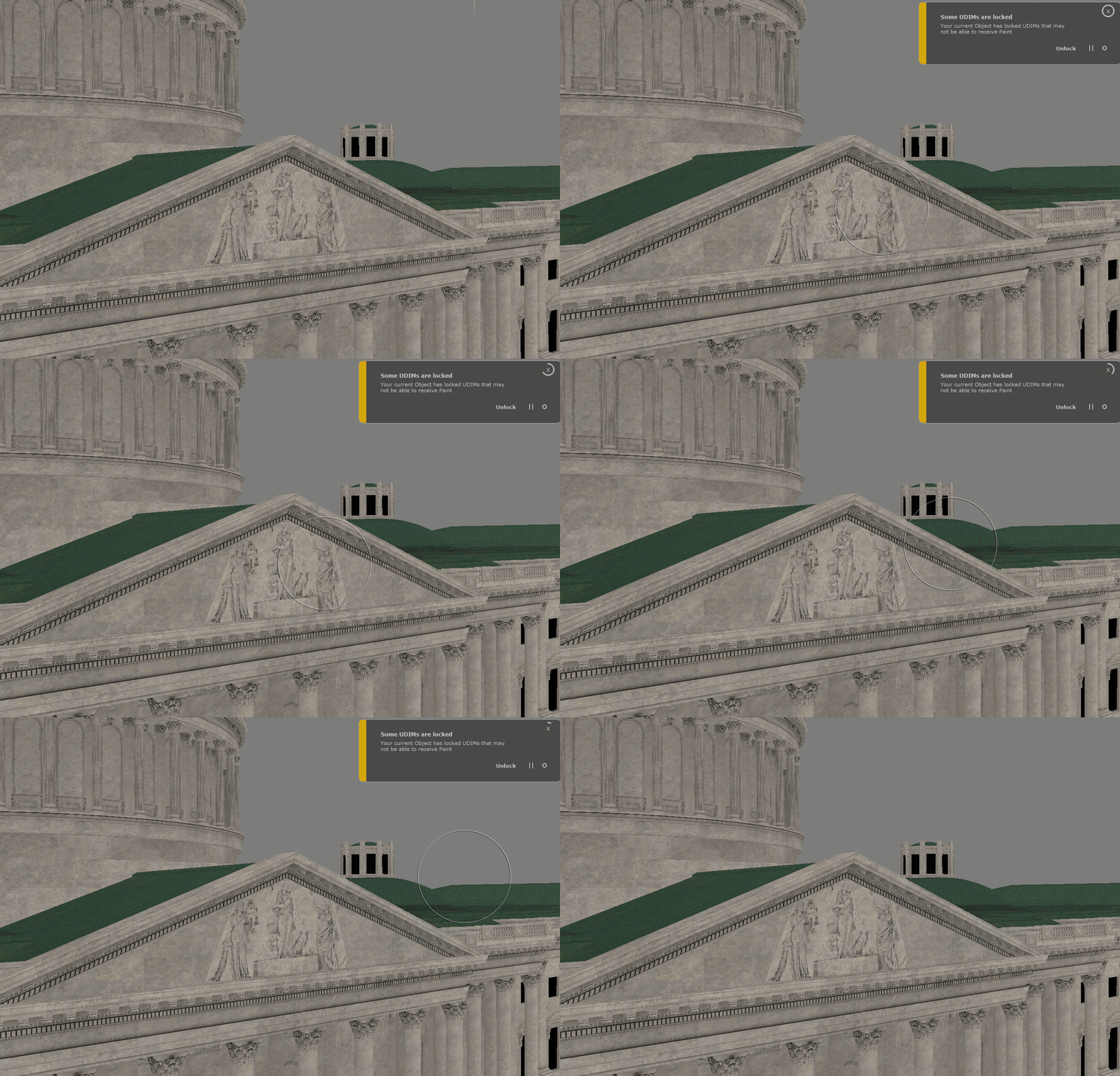
When baking the contents of the Paint Buffer, Extension Pack first checks if ..
•No Object is selected
•Current Object locked
•Current Object contains Selection Groups that are locked
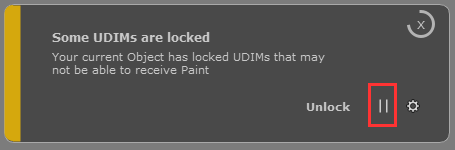
•Current Object contains UDIMs that are locked
•Current Object contains Layers locked
•Current Object contains Channel that are locked
If any of those conditions are met, a notification will appear allowing you to Unlock whatever is locked
If you do not wish to see the notification, you can pause the notifications for the duration of your Mari session. It will then be re-enabled after a Mari restart