Quick Launcher


Where to find it:


Tools / Quick Launcher


Shortcut: SHIFT + F


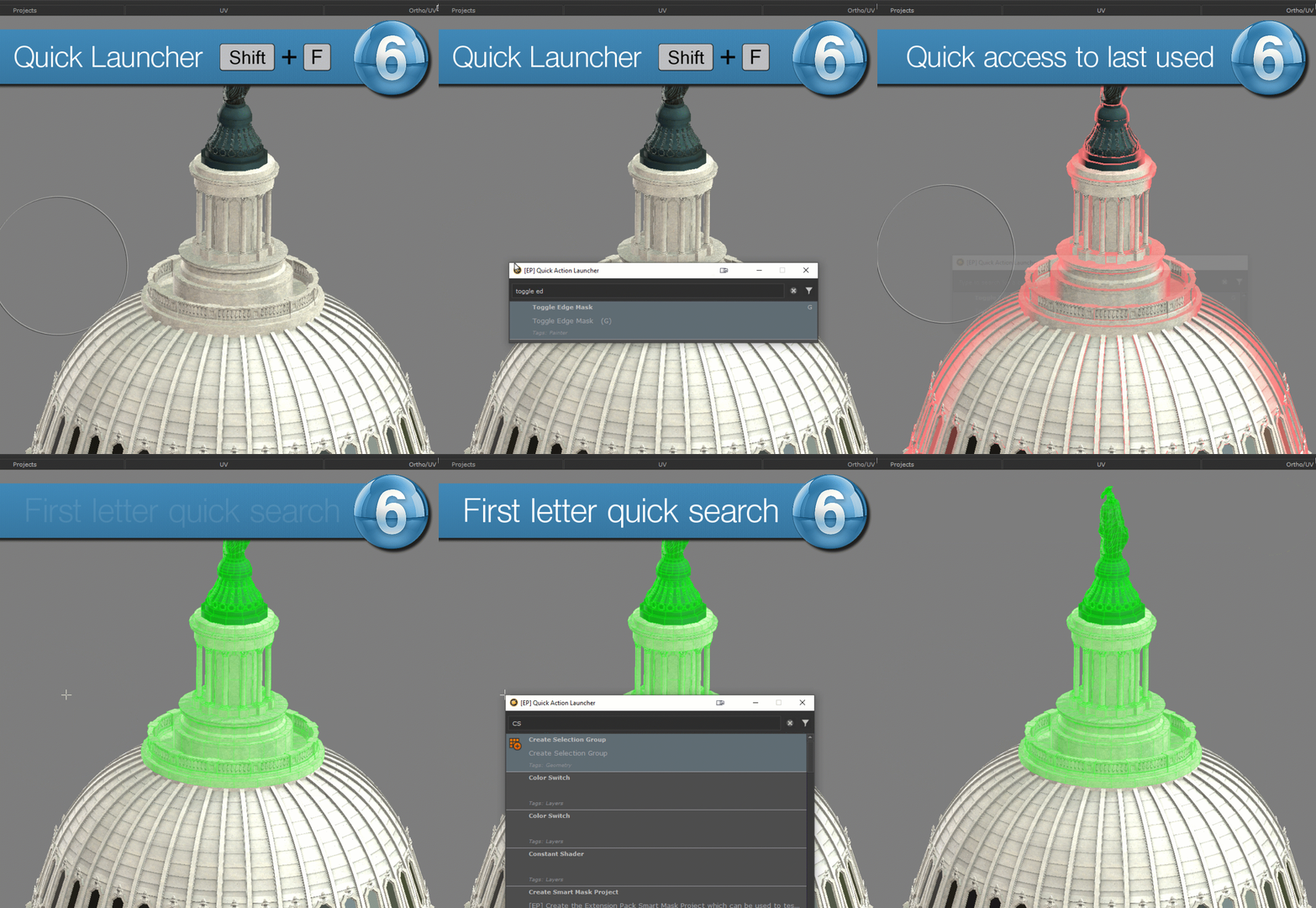
The Quick Launcher allows you to execute any mari action. 
Mari has a lot of functions, and accessing all of them via your mouse in submenus can be tedious. Remembering many hotkeys is also not always the solution.

By just remembering the Hotkey SHIFT+F of the Quick Launcher you get the best of both worlds - quick access to tools without much much mouse moving and easy launch via Hotkey.


The first time you launch the quick launcher in a Mari session, it will take a second to load. After that it will be instant


When only one search result was found, pressing ENTER in the Search Field will immediately execute the action. Otherwise use the Arrow UP and Down Keys to select which Action to execute and press ENTER


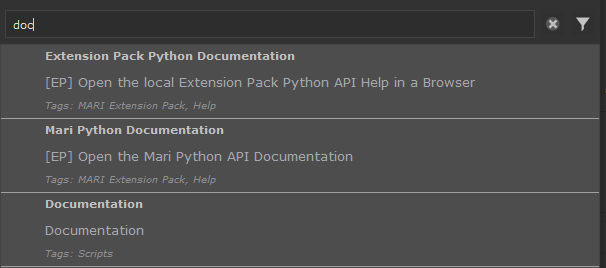
Typing into the search field will show matching mari action names in the list below the search e.g. "doc" shows any Mari action containing "doc" anywhere in its name


If you are searching for a Multi-word Action name, you can also search based on the beginning of words e.g. "r ed" would return the "Ramp editor"


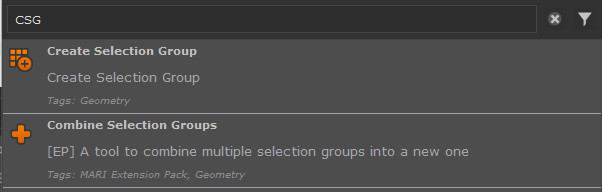
By using capital letters without spaces you are going to compare against just the first letter of each word e.g "CSG" will return "Create Selection Group" and "Combine Selection Groups"


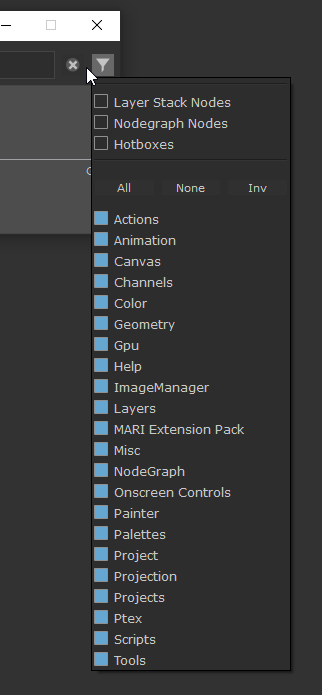
Using the Category Filters you can limit the search to certain Mari Action Categories. The Categories mimic the structure of Mari's Hotkey Editor (Edit/Preferences)


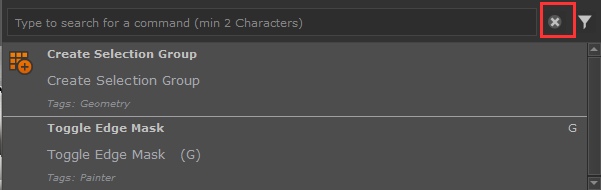
When opening the Quick Launcher, you will see the history of the last executed items. You can clear the history using the Clear History Button