|
Ramp Editor |
 Where to find it:

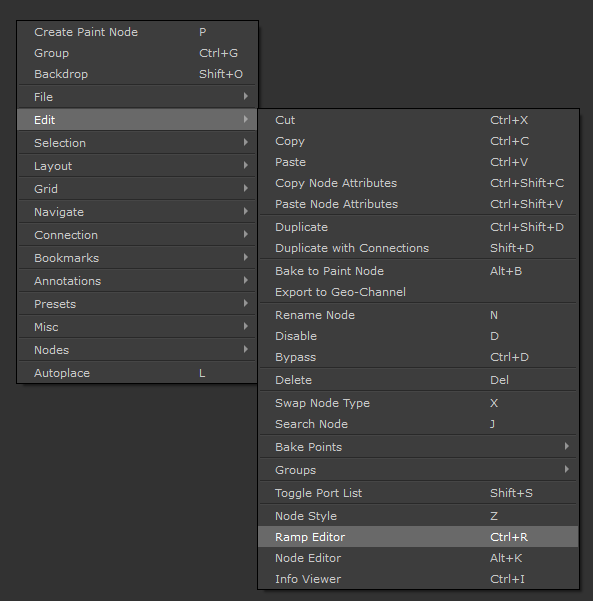
 NodeGraph / Right Mouse Click / Edit /
Main Window / Extension Pack / Nodegraph / Edit
Shortcut (Nodegraph Only): CTRL+R
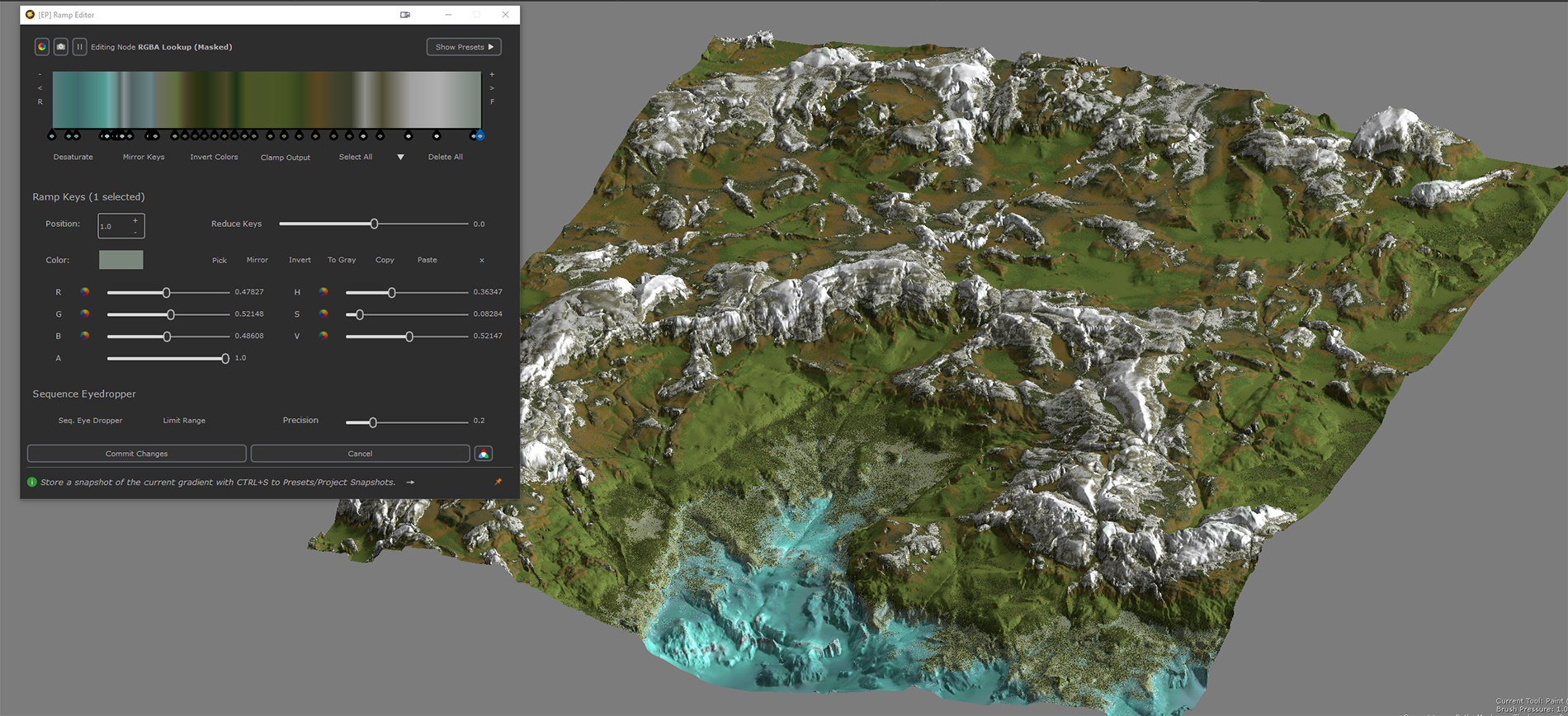
Extension Pack's Ramp Editor brings a true Gradient editing experience to Mari. Using the Ramp Editor you can edit the following nodes in a convenient and user-friendly ramp:
The Ramp Editor can be launched via the Right Mouse Click Nodegraph Context Menu: Example of using the Ramp Editor to colorize a terrain heightmap
|
|||
|
|