|
Histogram Select |
 Where to find it:
 Add Adjustment Layer / Extension Pack / Histogram /
 NodeGraph / Right Mouse Click / Nodes / Filter / Extension Pack / Histogram /
Shotcut (Nodegraph Only): Ctrl + H

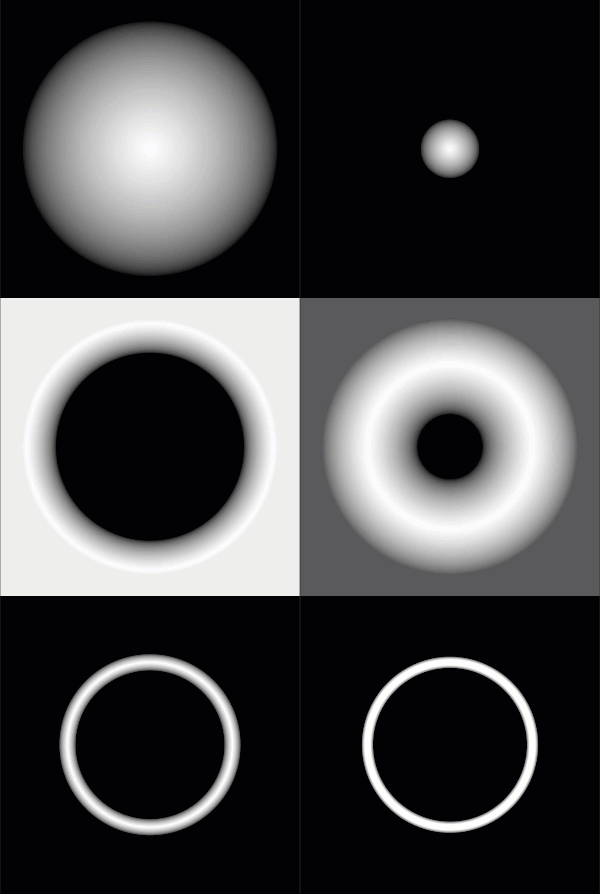
The Histogram Select Node allows you to select a value range from a grayscale input
|
Node Overview |
|
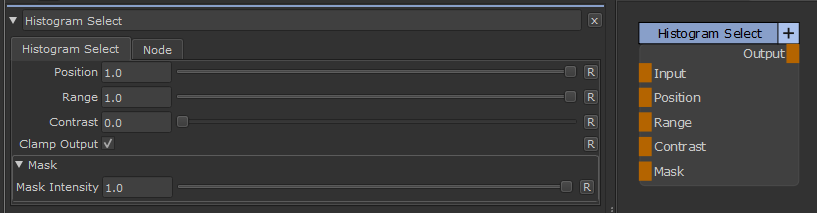
Node Ports |
•Position
Defines the center of the grayscale value range to select
Overwrites Position Slider if mapped
•Range
Defines the Range around the centre of the grayscale value range
Overwrites Range Slider if mapped
•Contrast
Contrasts the result of the Position/Range computation
Overwrites Contrast Slider if mapped
•Mask
Optional Mask to limit the effect
|
Node Properties |
MAIN TAB