|
Connect to .. |
 Where to find it:

 NodeGraph / Right Mouse Click / Connection
Main Window / Extension Pack / Nodegraph / Connection
Shortcut (Nodegraph Only): SHIFT+R
The Connect to .. tool is a node context sensitive tool allowing you to perform a number of options depending on what node type is selected
1.If you have a Radio node selected, it allows you to connect the Radio Node to a Radio Transmitter in your Graph
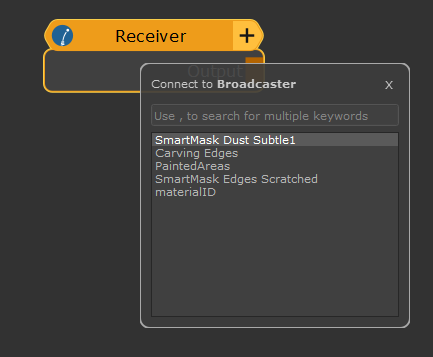
2.If you have a Teleport Receiver node selected, it allows you to connect to a Teleport Broadcast channel that is being transmitted on your active Mari Object
3.If you have a Teleport Broadcast node selected, it allows you to specify the Broadcast Channel Name, the node transmits on
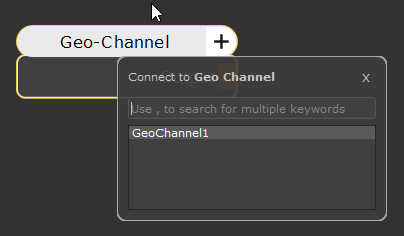
4.If you have a Geo Channel Node selected, it allows you to specify the Geo Channel the Node is connected to