
|
Custom Blend Modes |
 Where to find it:
 Layerpalette / Blendmodes
 NodeGraph / Merge Node / Blendmodes
Painting Toolbar / Blendmodes

Custom Blendmodes extend Mari's extensive list of Blendmodes
Burns or dodges the colors by decreasing or increasing the brightness, depending on the blend color.
If the blend color is lighter than 50% gray, the image is lightened by increasing the brightness.
If the blend color is darker than 50% gray, the image is darkened by decreasing the brightness.
Example of Linear Light Blend Mode

This Blend mode is similar to a Vivid Light Blendmode which instead of increasing/decreasing the brightness,
will increase/decrease the Contrast.
Example of Add/Sub Blend Mode
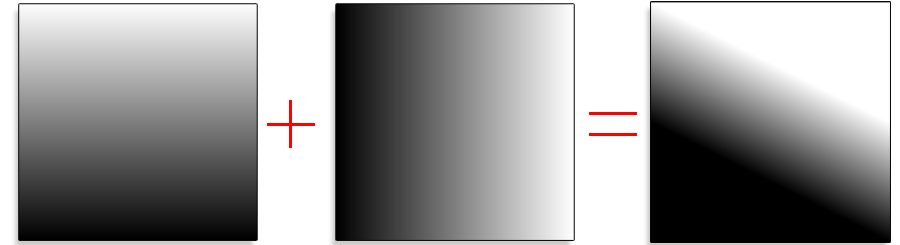
This Blendmode works computationally the same as the Add |Sub Blend Mode found in the Substance Suite
oForeground pixels ('Over' on a Merge Node) with a value higher than 0.5 are added to their respective background pixels.
oForeground pixels ('Over' on a Merge Node) with a value lower than 0.5 are subtracted from their respective background pixels.
A + ( ( B - 0.5) * 2.0 )
The result is NOT clamped
Example of Add/Sub Halve Blend Mode
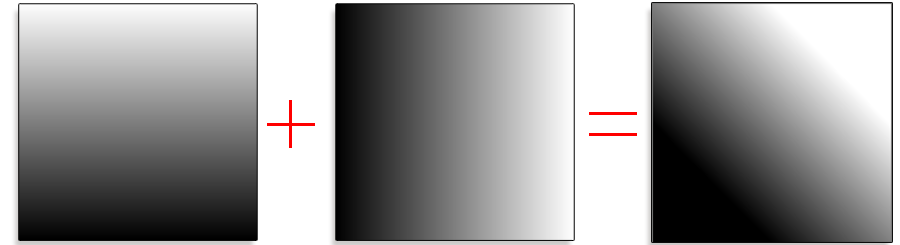
This Blend mode is similar to an Overlay but subtracts a value of 0.5 first before combining
A + (B - 0.5)
The result is clamped to 0-1.
Compared to the Add | Sub Blendmode this Blendmode tends to favor the Background Texture and generally builds up less contrast,
when applied multiple times.
Example of a Mask from Curvature Node configured with using Add|Sub Halve vs Add|Sub

|
|
This Blend Mode is only available up to Mari 7.1v2. Later Mari Versions ship with the Blend Mode in vanilla Mari. |
A straight subtraction
(A-B)
The result is NOT clamped
