|
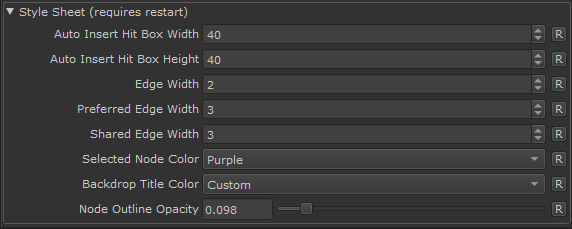
Custom Graph Styles |
 Where to find it:
 Edit / Preferences / Nodegraph Tab
Extension Pack modifies some default Mari Nodegraph Behavior and Styles.
All changes have been exposed as customizable Preferences.
•The Backdrop Titlebars now assumes the shade of the backdrop underneath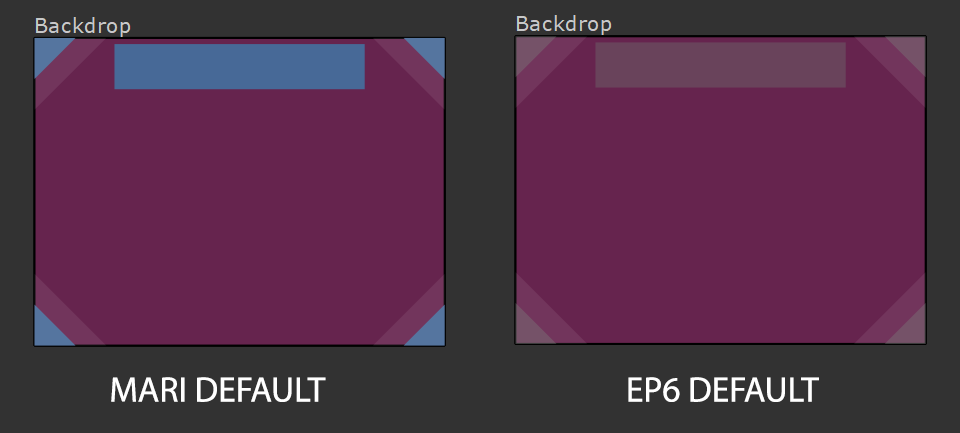
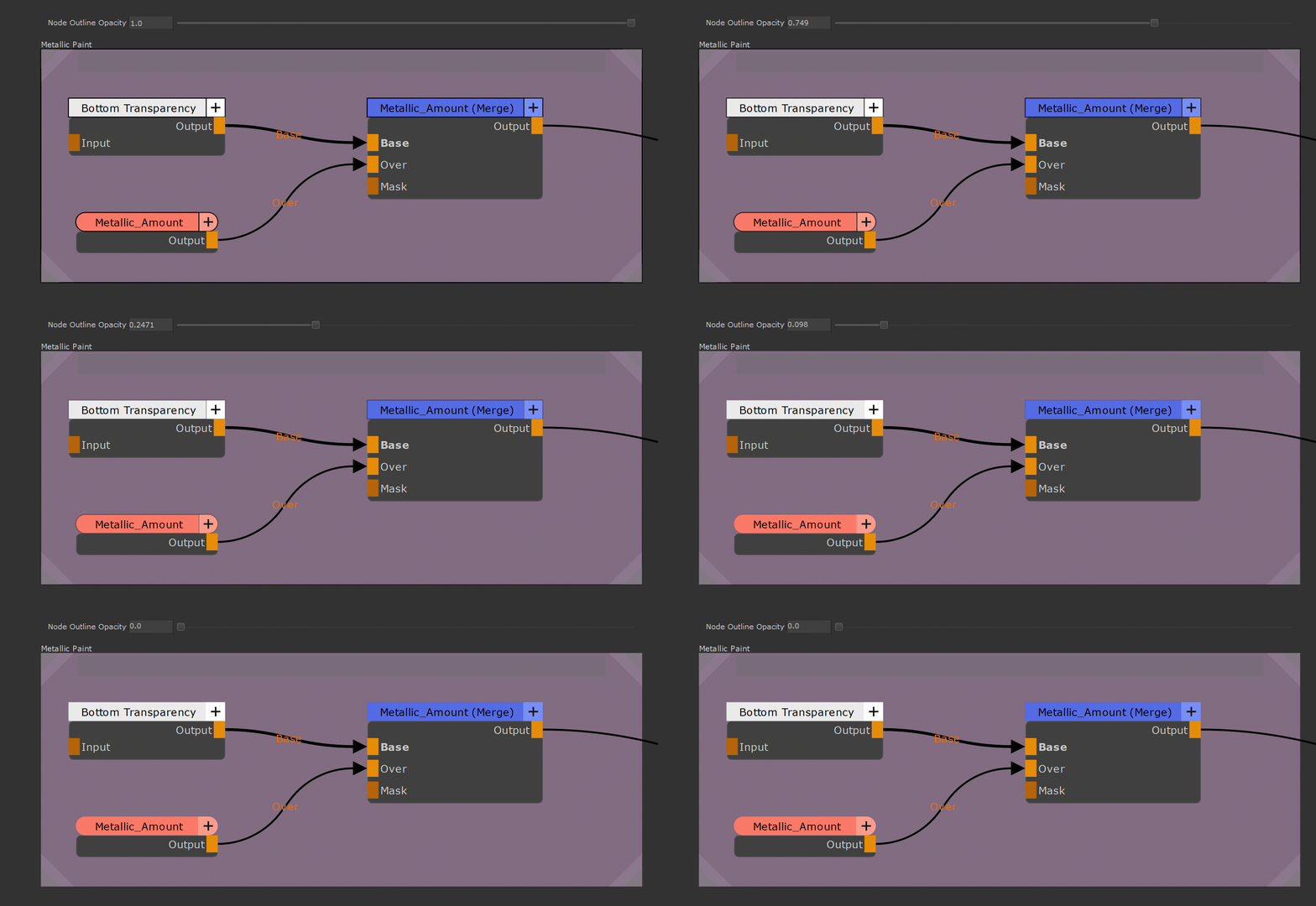
•A new option was added to the Nodegraph Preferences, to control the opacity of node outlines. A new default has been set, where node outlines are invisible, for a sleeker more modern look.
|
|
Setting is only available in Mari 6. Mari 7 already has the "borderless" look as its new factory default. |
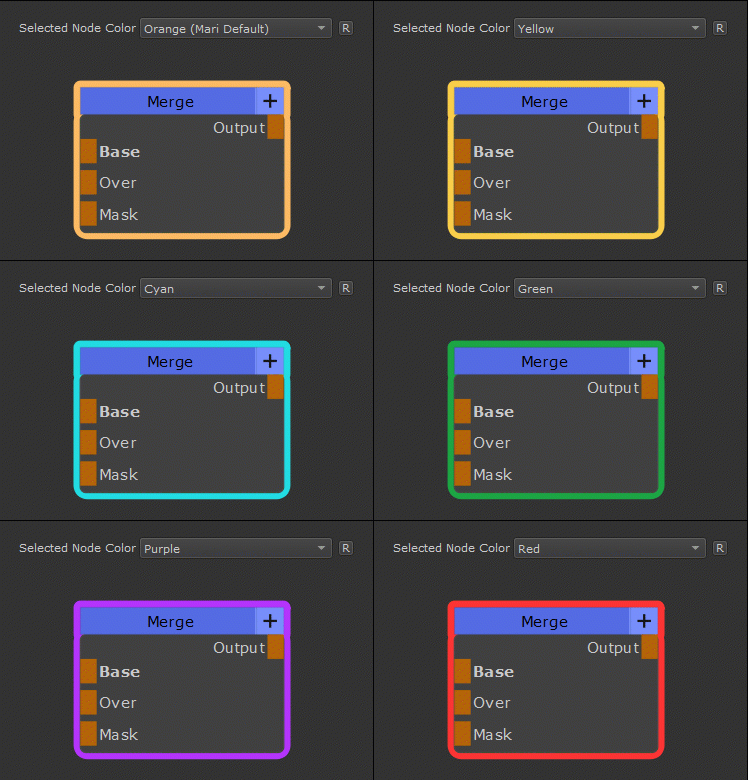
 You can now define a custom color for the highlighting of selected nodes or choose from preset colors that were added
|
|
Please note, Mari 7 changes the Node Highlighting from colorizing the Node Titlebar to giving nodes a colored outline |
•Lines (Edges) connecting Nodes are now slightly thinner
•All Nodegraph Changes can be customized via a new Preference Section in the Nodegraph Tab of the Mari Preferences
|
|
Changes in the preferences require a Mari restart to take effect |