
|
Hexagon 2D |
 Where to find it:
 Add Procedural Layer / Procedural / Extension Pack / Pattern /
 NodeGraph / Right Mouse Click / Add Nodes / Procedural / Extension Pack / Pattern /
|
|
This Node is also available as a Triplanar Version |


Hexagon 2D creates Hexagonal Patterns. Generation is done based on UV Space so there will be seams between tiles and uv shells.
Some Examples produced with the Hexagon Node

|
Node Overview |

|
Node Outputs |
•Output
Main Node Output
•ID
Outputs each Cell's ID as Grayscale Values
Example of Node Output (left) vs ID Output (right)

|
Node Ports |
•Manifold (UV)
Overwrite the default UVs used with custom uvs (for example through a Manifold UV Node).
This can be used to control UV settings from a separate node entity
•Gradient
Control the Gradient Amount within each Cell. Overwrites Gradient Slider
Example of different Gradient Values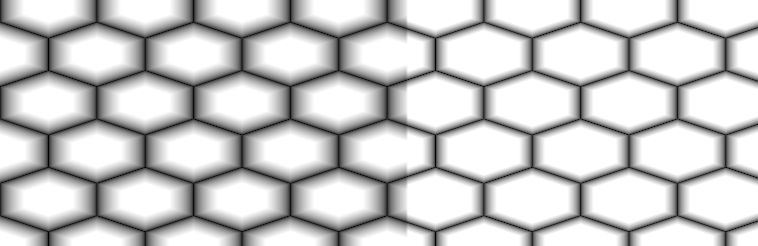
•Margin
Control the Gaps inbetween Cells. Overwrites Margin Slider
Example of different Margin Values

|
Node Properties |
MAIN TAB
|
Size |
•Repeat
Number of repeats of the Pattern
•Scale X / Y
Non Uniform Scale Factors of Cells in X and Y
Example of a non-uniform scale on the right
|
Modifiers |
•Gradient
Control the Gradient Amount within each Cell. Can be overwritten via a Node Input
Example of different Gradient Values
•Margin
Control the Gaps inbetween Cells. Overwrites Margin Slider
Example of different Margin Values
•Falloff
Remap Curve against the final result.
Example of different Falloff Curves applied to the same result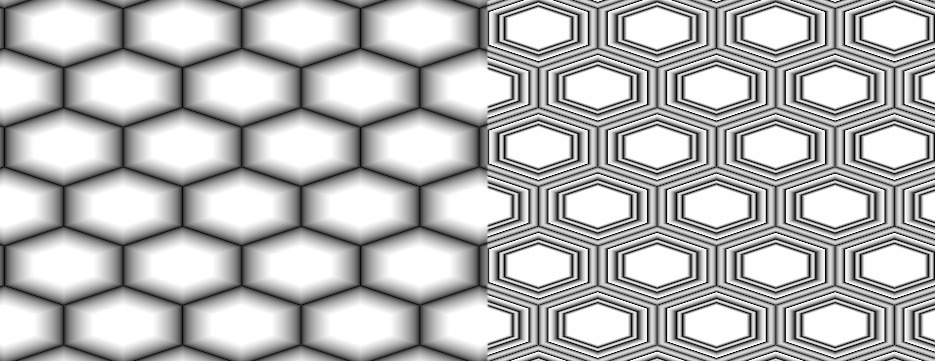
|
Randomize |
•Randomize Value
Blend Value to multiply Cell IDs against the result.
This can also be manually done by multiplying the two output ports of the Node (Output + ID) together.
Example of no randomization on the left, and randomization of 1.0 on the right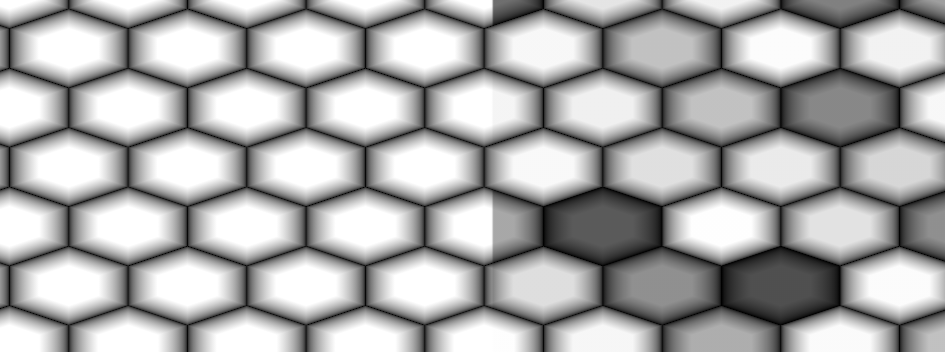
•Seed
Set the initial Start value of the IDs. This can be used to produce variations.
|
Color |
•Shape Color
Color of each cell
•Background Color
Color of area around cells.
•Invert
Reverse Shape and Background Color
TRANSFORM TAB
|
Transform |
•U Repeat
Multiplier against 'Repeat' for the number of cells drawn horizontally in UV Space
•V Repeat
Multiplier against 'Repeat' for the number of cells drawn vertically in UV Space
•UV Rotation
Rotating in degrees. Pivot is the center of each UV Tile / UDIM.
•U Offset
Translates the pattern horizontally in UV Space.
•V Offset
Translates pattern vertically in UV Space.