
|
Image Sampler |
 Where to find it:

 NodeGraph / Right Mouse Click / Add Nodes / Procedurals / Extension Pack / Generators
Image Sampler Nodes are designed to modularize the use of images in the Nodegraph by allowing you to feed the output of the Image Sampler node into other Nodes that support an Image Sampler Input.
For example you could attach a Image sampler node to a Axis Projection Node and the Image within the Image Sampler would be the image used for performing the Triplanar Projection of the Axis Projection Node.
The Texture assigned to the Image Sampler then overwrites any Image Attribute within the target node.
Example of feeding the output of an image sampler node into other nodes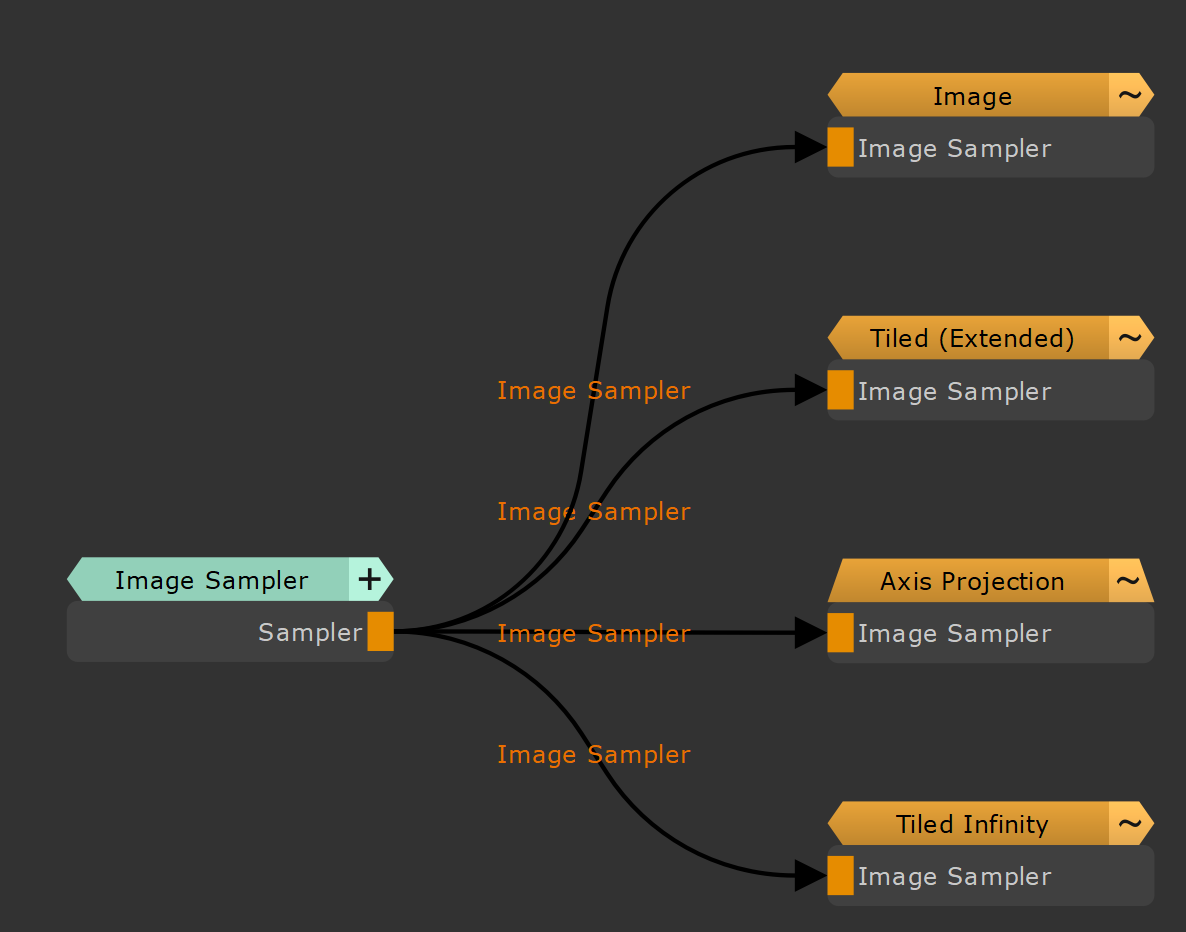
|
Node Overview |
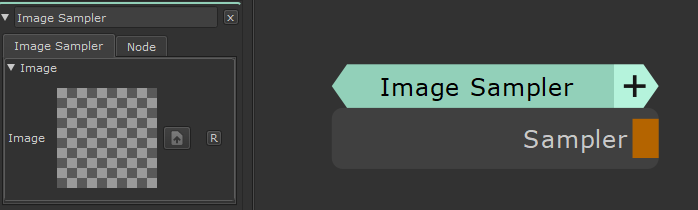
|
Node Ports |
|
Node Properties |
MAIN TAB