|
Maximize Value |
 Where to find it:
 Add Adjustment Layer / Extension Pack / Color Correction /
 NodeGraph / Right Mouse Click / Nodes / Filter / Extension Pack / Color Correction /
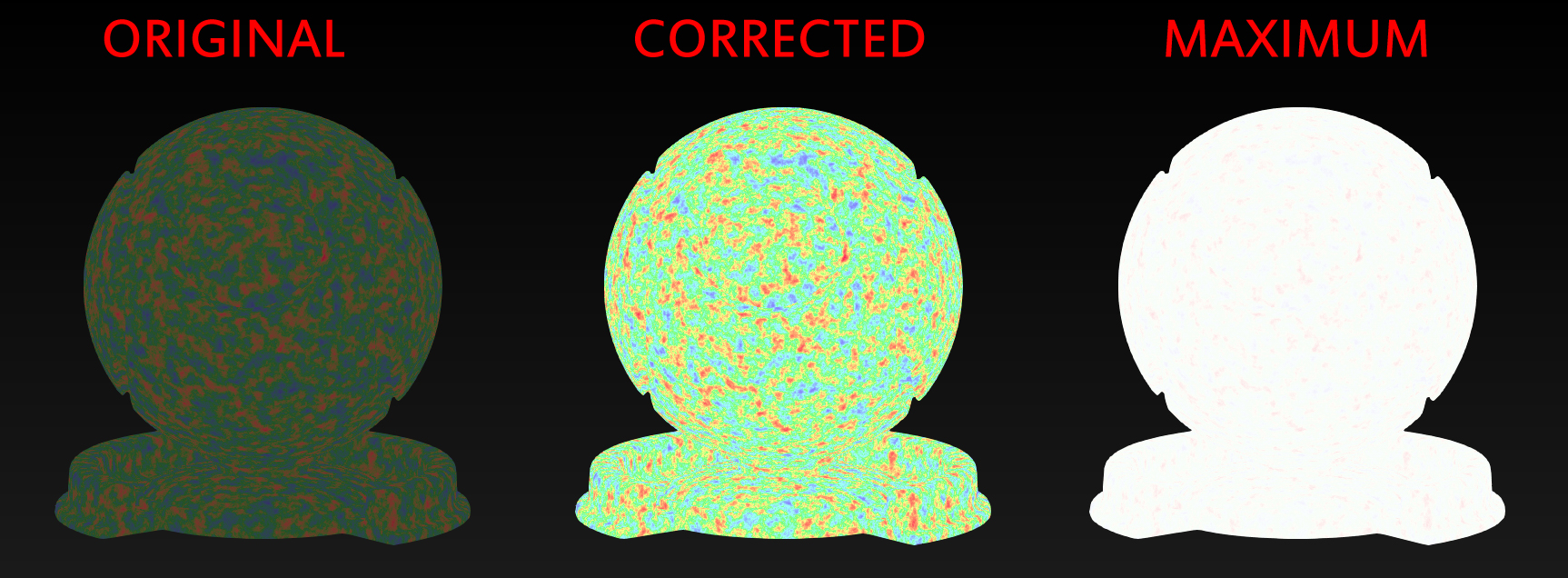
Maximize Value will offset the RGB Colors until one of them reaches a value of 1.0.
This is mostly useful for the creation of Specular Color Maps for Metallic Surfaces where
you don't want to take out Specular Intensity (in order to remain Energy Conserving) while
at the same time giving tinted specular highlights.
|
Video |
|
Node Overview |

|
Node Ports |
•Input
The Input to modify
|
Node Properties |
MAIN TAB