
|
Annotations & Stickers |
 Where to find it:

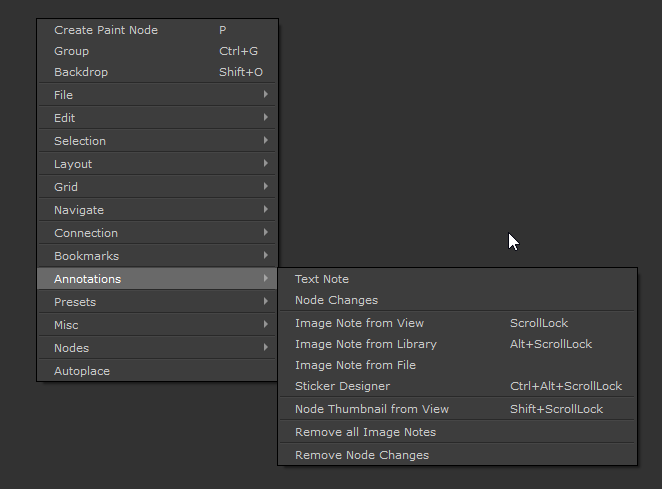
 NodeGraph / Right Mouse Click / Annotations /
Main Window / Extension Pack / Nodegraph / Annotations /
Shortcuts (Nodegraph Only):
|
|
Image Note from View |
Scrolllock |
|
|
Image Note from Library |
ALT + Scrolllock |
|
|
Image Note from Node |
SHIFT + Scrolllock |
|
|
Image Note Designer |
ALT + CTRL+ Scrolllock |
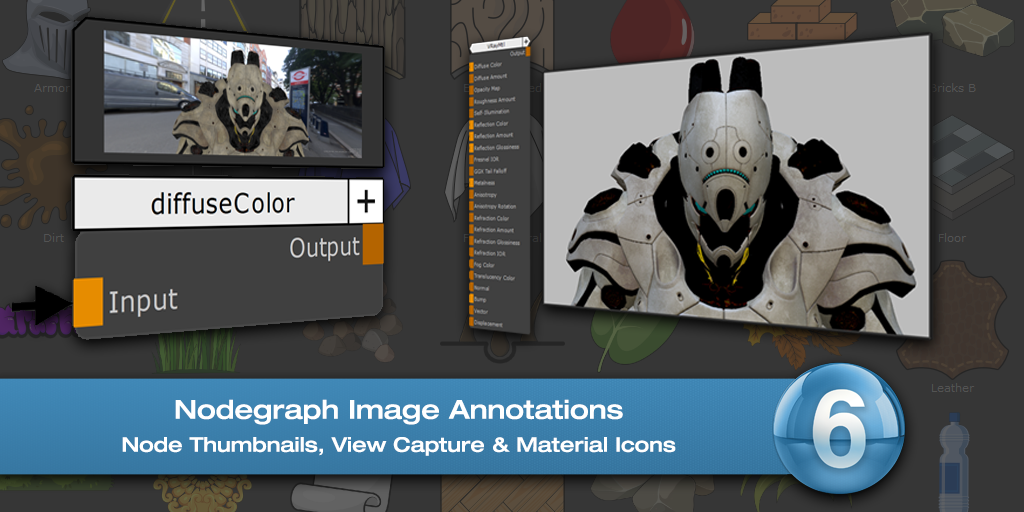
Image Annotations allow you to add screenshots, arbitrary images or Icons to your Nodegraph, to visually document different parts of your Nodegraph.
The System gives several different options to add and edit images
|
|
Image Notes are saved into your project directory in a Subfolder ImageNotes. They will be deleted from that location if you delete an image note from your project and save. Since files are saved in the project, handing an archive off to another artist wil retain the images |
Please refer to the topics below for details:

|
Video |