Editing existing Annotations

To edit the text of a sticky note, open its node properties and edit the text there


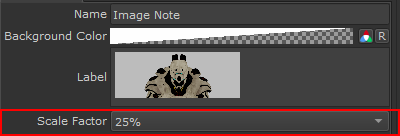
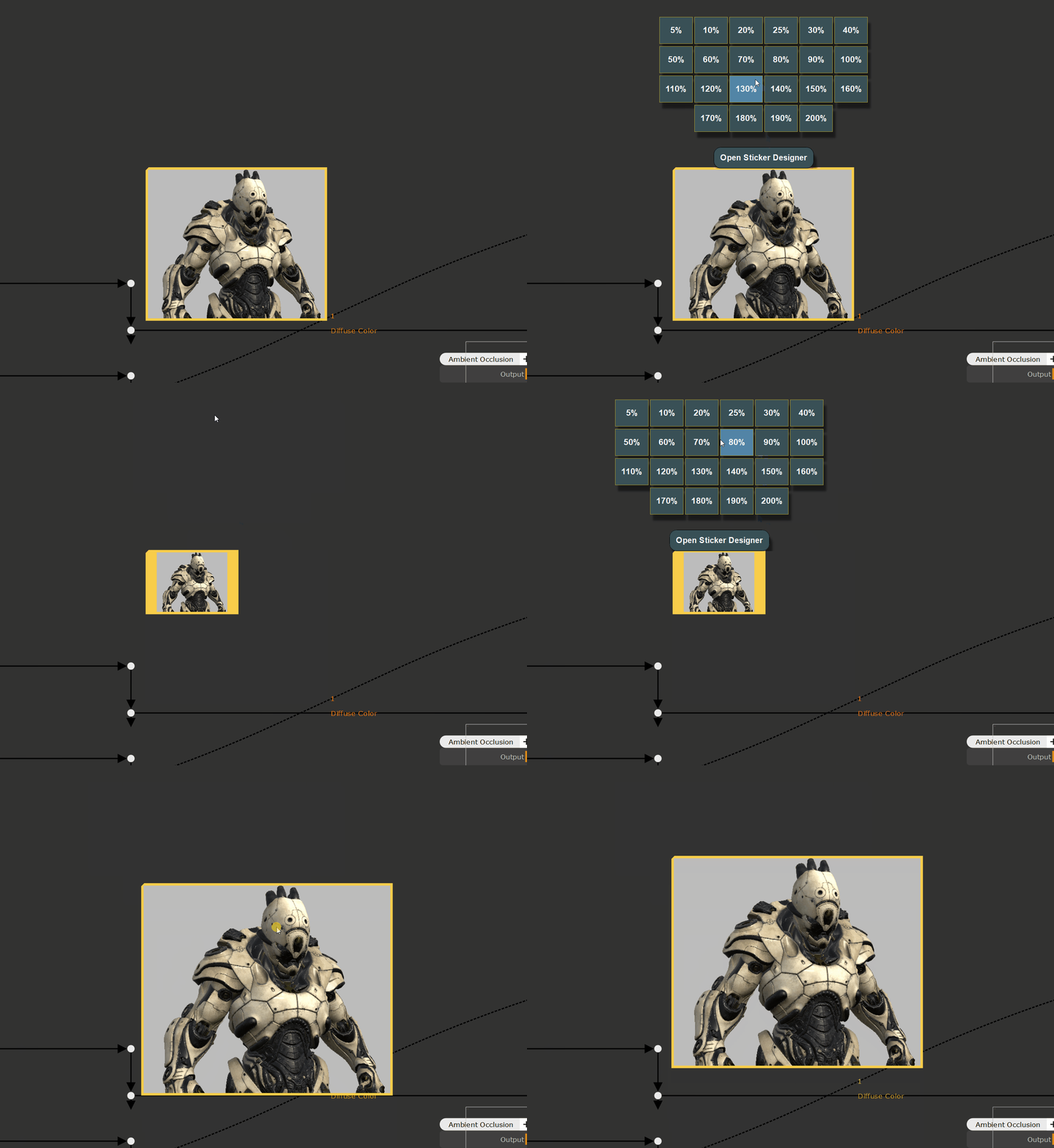
To resize a sticker,  change the Scale Factor in the Node's Node Properties


In addition you can use the CTRL+SPACE Node Context Menu to adjust its size


To change the image of an existing sticker, simply select the Note you want to update and launch any of the Image Annotation features.

You will be prompted if to create a new one or replace the old one


If you want to edit or extend the image used in an Annotation you can use the Sticker Designer to do so.

You can lift multiple selected annotations simultaneously into the Designer interface by selecting the Image Nodes and starting the Designer via the Right Mouse Click / Annotations Menu or the CTRL+SPACE Node Context Menu 


You can use the sticker designer to create and edit custom nodegraph stickers. For example to embed reference via copy+paste into your nodegraph