
|
Material Presets |
 Where to find it:
 Shelf Palette / Extension Pack / Material Templates
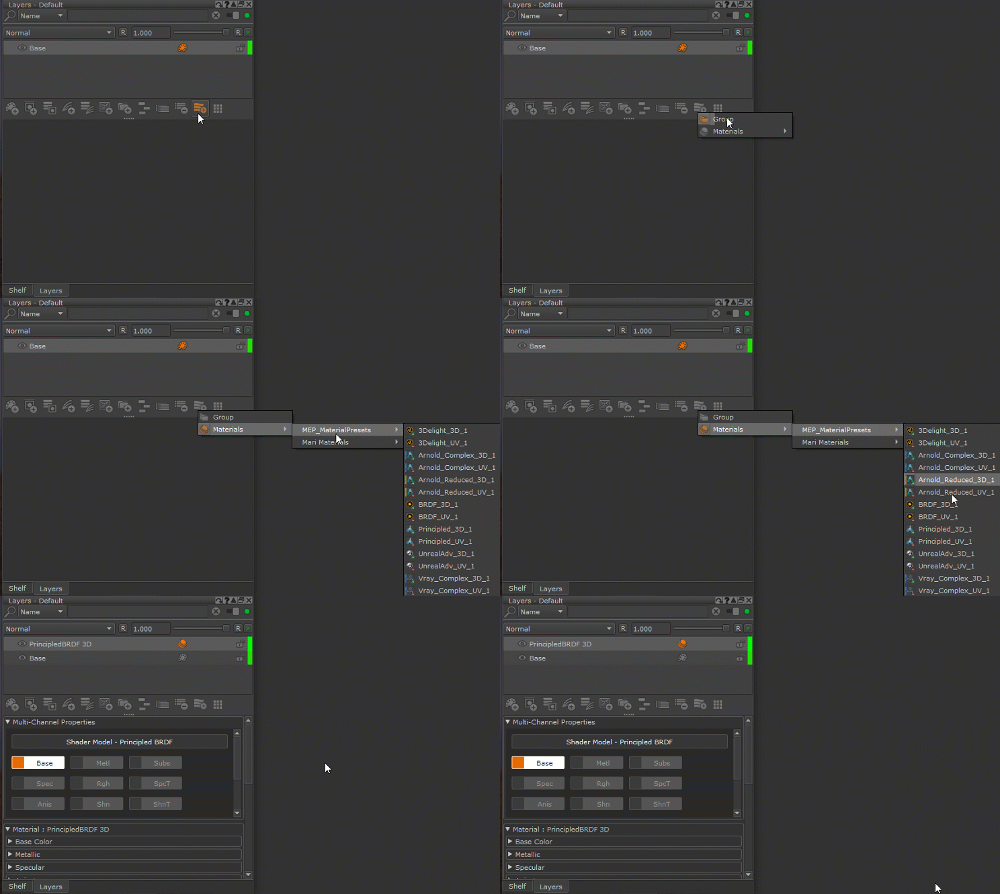
Layers Palette / Add Multi-Channel Layer / Materials

Extension Pack installs several Material Presets both to the MEP_MaterialPresets of the Shelf Palette as well as to the
list of Material Templates of the Material Ingest Tool.
Material Presets are fully authored Material Templates with a set of exposed parameters, that you can start using directly in your workflows.
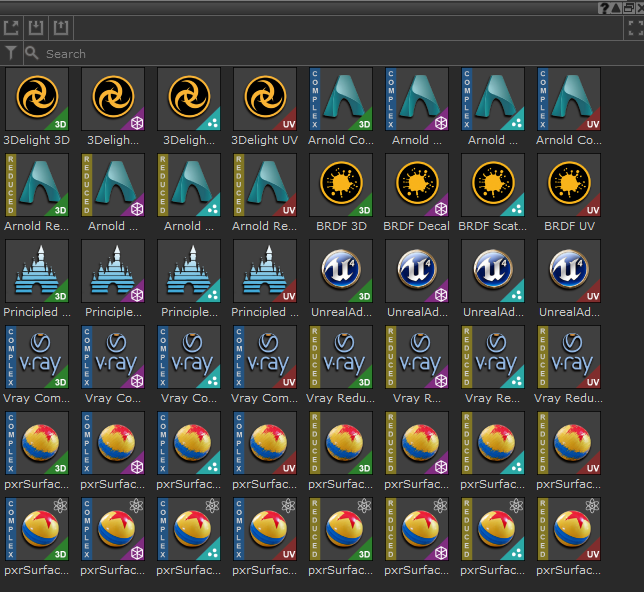
The Material Presets available in the Material Presets Shelf Tab
|
Tutorial Videos |
General Material Template Tutorial:
Decal Material Templates:
Scattered Materials:
|
Available Presets |
Since Mari Materials are bound to a specific Shader Type (e.g Vray, Arnold etc.), different presets for different Shader Types
are available:
 3Delight Triplanar | Decal | Scatter | UV
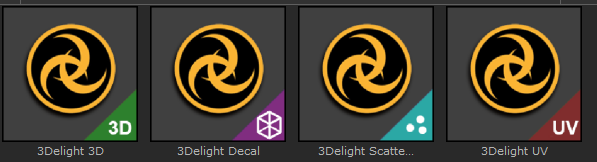
Material Presets for the 3Delight Shader as it is used in Katana.
Arnold Complex Triplanar | Decal | Scatter | UV
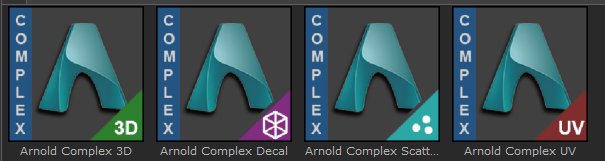
Material Presets for the Arnold Standard Surface Shader as it is used for example inside of Maya.
The Complex Variants of these Material Presets include a large number of controls on the Material.
Arnold Reduced Triplanar | Decal | Scatter | UV
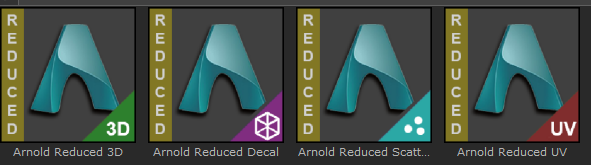
Material Presets for the Arnold Standard Surface Shader as it is used for example inside of Maya.
The Reduced Variants of these Material Presets only include a small number of frequently used exposed parameters.
BRDF Triplanar | Decal | Scatter | UV
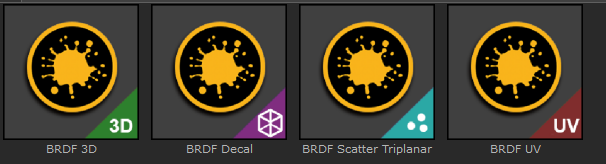
Material Presets for the standard Mari BRDF Shader
Principled Triplanar | Decal | Scatter | UV
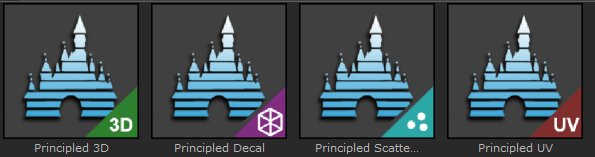
Material Presets for the standard Mari Disney Principled BRDF Shader
Unreal Advanced Triplanar | Decal | Scatter | UV

Material Presets for the Unreal Advanced Shader shipping with Extension Pack
Vray Complex Triplanar | Decal | Scatter | UV
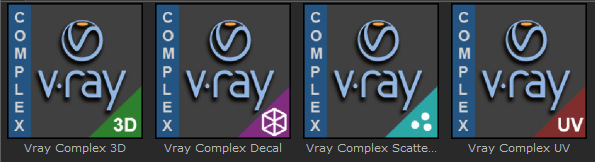
Material Presets for the Vray Shader.
The Complex Variants of these Material Presets include a large number of controls on the Material.
Vray Reduced Triplanar | Decal | Scatter | UV
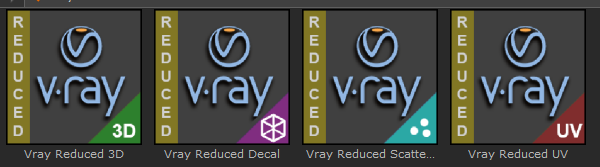
Material Presets for the Vray Shader.
The Reduced Variants of these Material Presets only include a small number of frequently used exposed parameters.
pxrSurface Artistic Complex Triplanar | Decal | Scatter | UV

Material Presets for the pxrSurface Renderman Shader.
The Complex Variants of these Material Presets include a large number of controls on the Material.
The Material is configured to work best with the Artistic Mode of the Shader.
|
|
pxrSurface Presets are only visible if you have Renderman for Mari installed |
pxrSurface Artistic Reduced Triplanar | Decal | Scatter | UV
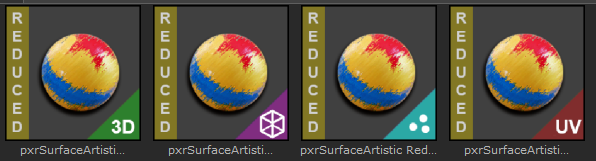
Material Presets for the pxrSurface Renderman Shader.
The Reduced Variants of these Material Presets only include a small number of frequently used exposed parameters.
The Material is configured to work best with the Artistic Mode of the Shader.
|
|
pxrSurface Presets are only visible if you have Renderman for Mari installed |
pxrSurface Physical Complex Triplanar | Decal | Scatter | UV
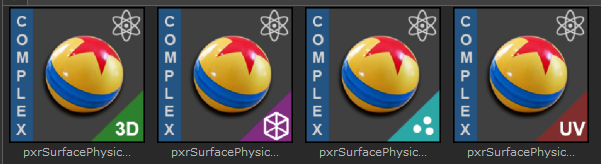
Material Presets for the pxrSurface Renderman Shader.
The Complex Variants of these Material Presets include a large number of controls on the Material.
The Material is configured to work best with the Physical Mode of the Shader.
|
|
pxrSurface Presets are only visible if you have Renderman for Mari installed |
pxrSurface Physical Reduced Triplanar | Decal | Scatter | UV
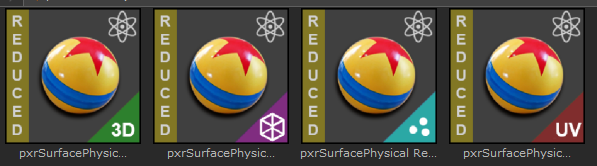
Material Presets for the pxrSurface Renderman Shader.
The Reduced Variants of these Material Presets only include a small number of frequently used exposed parameters.
The Material is configured to work best with the Physical Mode of the Shader.
|
|
pxrSurface Presets are only visible if you have Renderman for Mari installed |
|
Preset Usage |
Presets can be loaded and used in multiple ways:
oIn the Layer Palette drag and drop a preset from the Shelf into the Layerstack
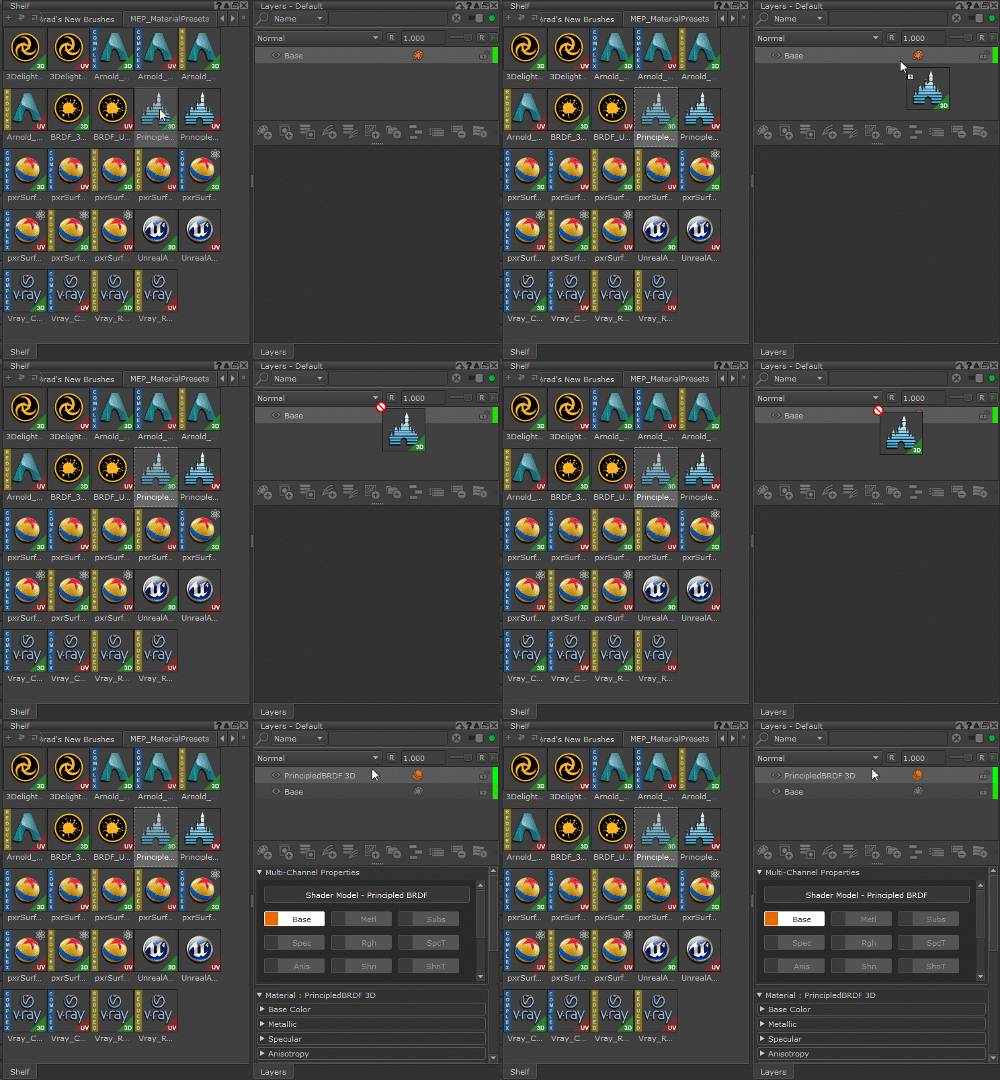
oIn the Layer Palette load a preset from the 'Add Multi-Channel Layer' Submenu
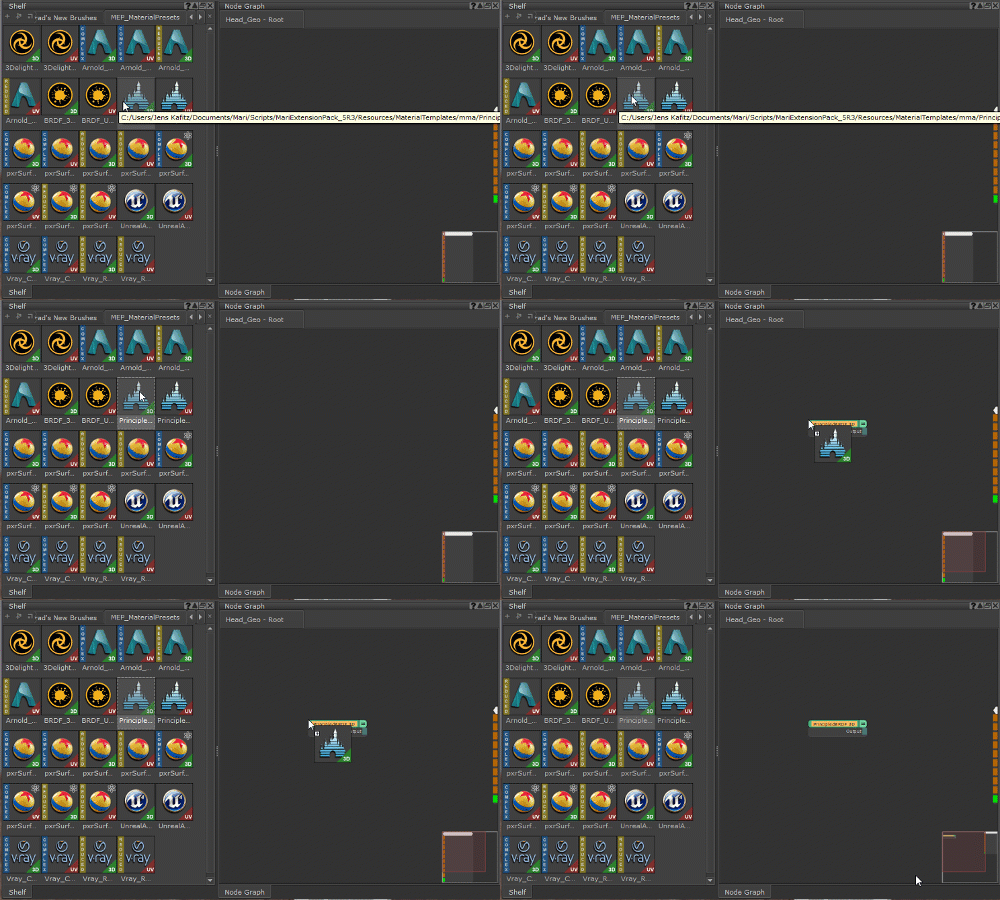
oIn the Nodegraph drag and drop a preset from the Shelf into the Graph
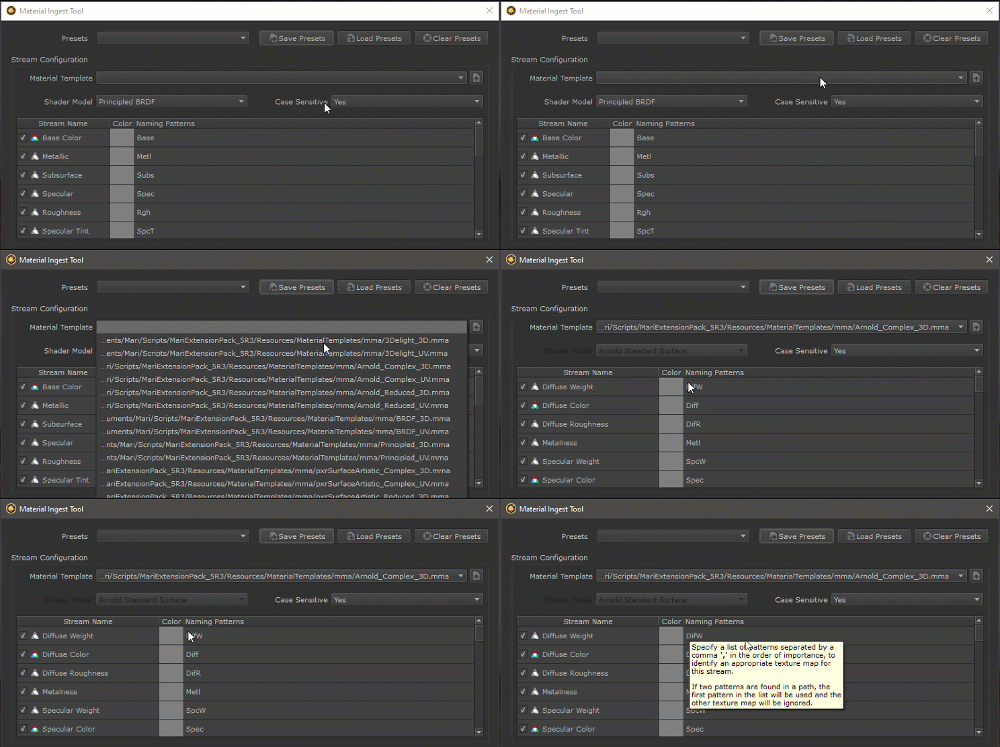
oIn the Mari Material Ingest Tool found in the Tools Menu, select a preset from the Material Template dropdown
|
Swapping Presets |
It is possible to swap between Material Presets using
|
Hide / Show Material Templates |
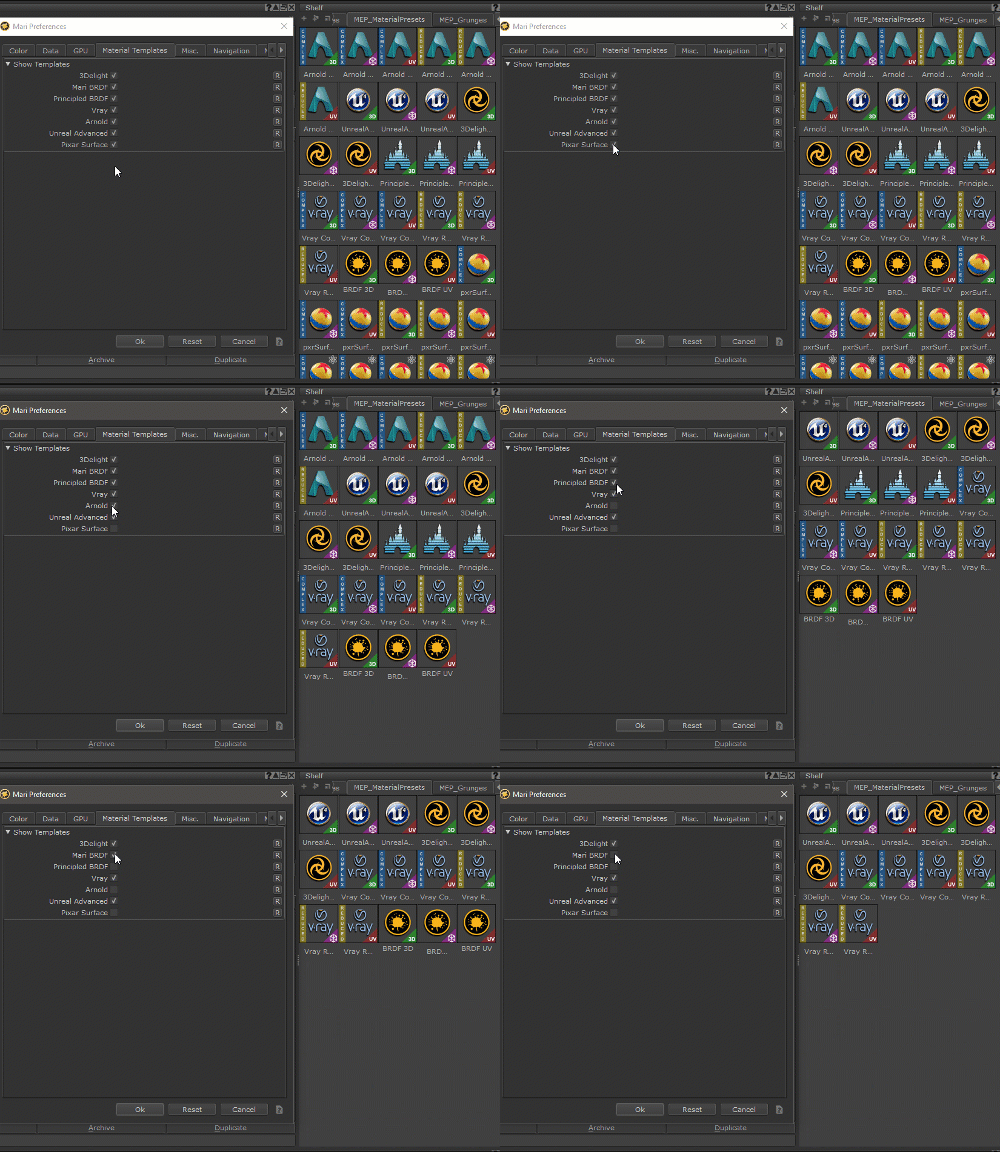
It is possible to hide or show Material Templates both in the Shelf and the Material Ingest Tool to reduce clutter and complexity
Hiding of Material Templates can be achieved
By setting preferences in the Mari Preferences
By setting environment Variables
•Setting visibility of Templates via preferences
You can control the visibility of preferences via the Material Templates Tab in the Mari Preferences (Edit Menu)
•Setting visibility of Templates via Environment Variables
If you are working within a pipeline it might be beneficial to set visibility of templates globally for your whole team.
The following Environment Variables can be used to control the visibility of Templates
MARI_EP_MATERIAL_TEMPLATE_3DELIGHT
MARI_EP_MATERIAL_TEMPLATE_BRDF
MARI_EP_MATERIAL_TEMPLATE_PRINCIPLED
MARI_EP_MATERIAL_TEMPLATE_VRAY
MARI_EP_MATERIAL_TEMPLATE_ARNOLD
MARI_EP_MATERIAL_TEMPLATE_PIXARSURFACE
MARI_EP_MATERIAL_TEMPLATE_UNREALADVANCED
To hide or show a Template set the Environment Variable to TRUE or FALSE

|
|
As soon as one Environment Variable is defined, any non-defined ones will default to FALSE. For example if you just want to see the Arnold Presets you just need to define the relevant Arnold Environment Variable |