
|
RGBA Lookup (Masked) |
 Where to find it:
 Add Adjustment Layer / Extension Pack / Color Correction /
 NodeGraph / Right Mouse Click / Nodes / Filter / Extension Pack / Color Correction /


The RGBA Lookup (Masked) Node allows you the Adjust the Red, Green, Blue and Alpha channel of an Input via Curves.
The node is compatible with the Ramp Editor.
|
Node Overview |
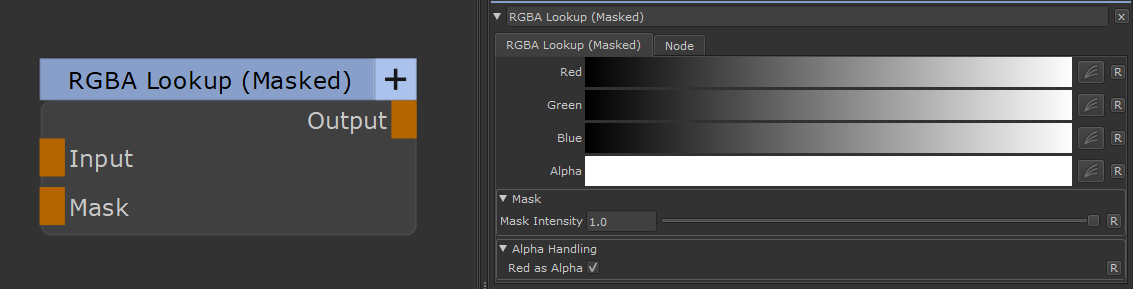
|
Node Ports |
•Input
The input to change
•Mask
A Mask to define where the changes should appear. Defaults to white
|
Node Properties |
MAIN TAB